TABLE OF CONTENTS

1. What is offline mode?
While GRADEpro is a web app that you access through your Internet browser and you cannot download it, it is possible to use GRADEpro even in situations when your internet connection is poor or if you don't have the connection at all, e.g., if you are travelling on an airplane.
2. How to use offline mode
The offline mode works automatically, and you don't need to enable it yourself. Whenever offline mode is on, the red stripe appears at the top of the page.

If the offline mode appears suddenly while you are working, you don't need to worry. You can just keep working, and the progress will be synchronised with our central server once you regain connection (the synchronisation and how it happens is described in detail below).
If you want to use GRADEpro and you have no Internet connection from the beginning, there are two conditions to use offline mode:
- You need to go to gdt.gradepro.org/app/ directly. Only this address works offline. The GRADEpro portal at gradepro.org doesn't work offline, and you won't be able to use the login buttons there.
- You need to use a device (computer, tablet, et cetera) and a browser that you have already used for GRADEpro at least once before. Otherwise, there won't be any content for you to access (details of how this works are described below)
3. How the offline mode works
The offline mode is possible due to how any progress in GRADEpro (creating projects, creating tables, et cetera) is saved. First, we will explain how the process of saving and synchronising changes works, and then how it is affected by offline mode.
3.1 How the GRADEpro changes synchronisation works
There are two places where changes are saved - the local database, which is the browser cache on your device, and the central database, which is where all of GRADEpro's data is stored.
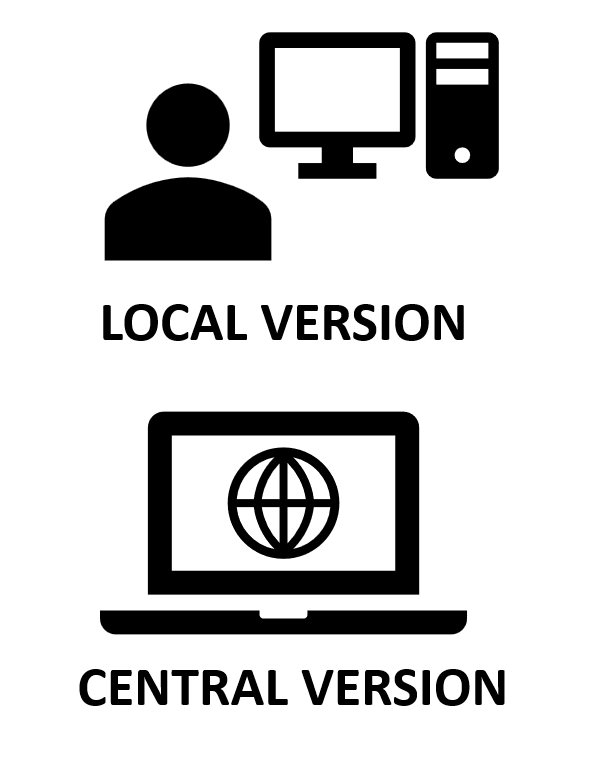
Whenever you make any change, it is first saved in the cache of the browser on your device
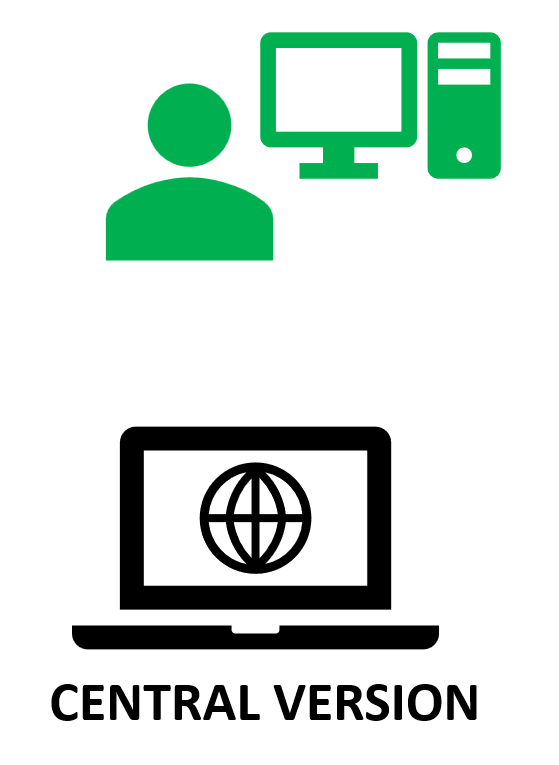
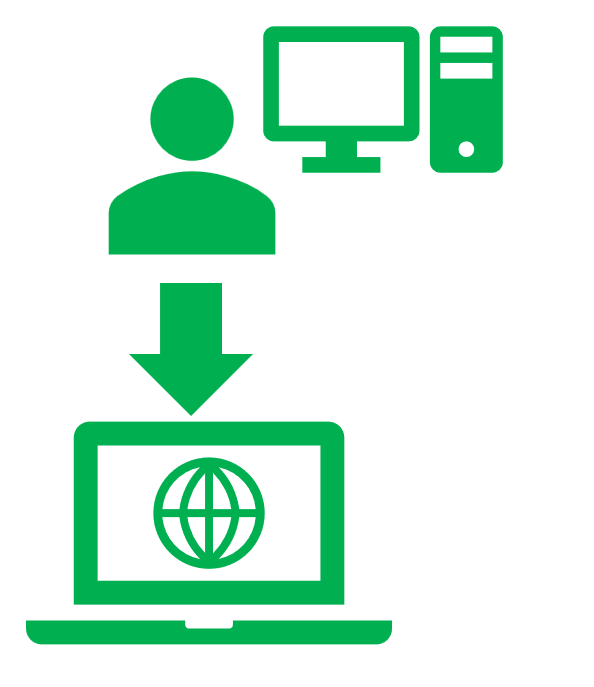
and then the change is synchronised with the central database.
The synchronisation works both ways. If you use GRADEpro on another device or in another browser for the first time, the content stored in the central database is sent to your device, so you can access all of your projects.
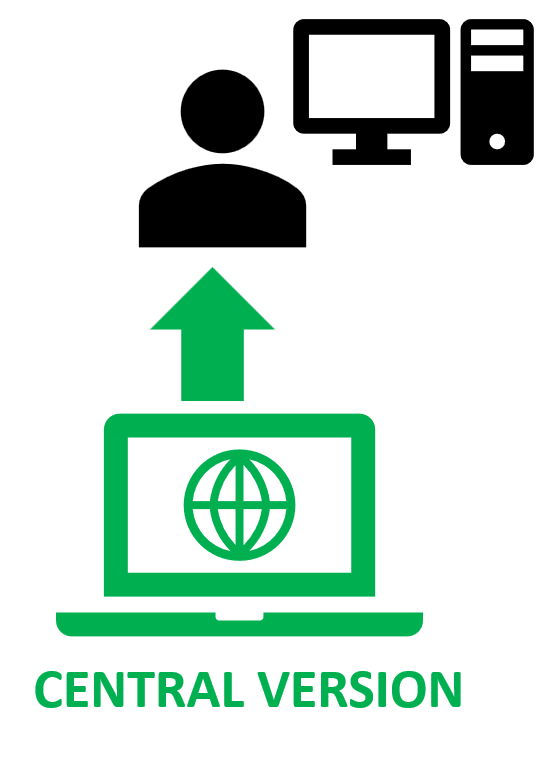
Important: To access all your GRADEpro projects on a device you are using for the first time you must have an active Internet connection.Also, if you work with many people in your project team, whenever one of you makes a change, it is first sent from their device to the central database
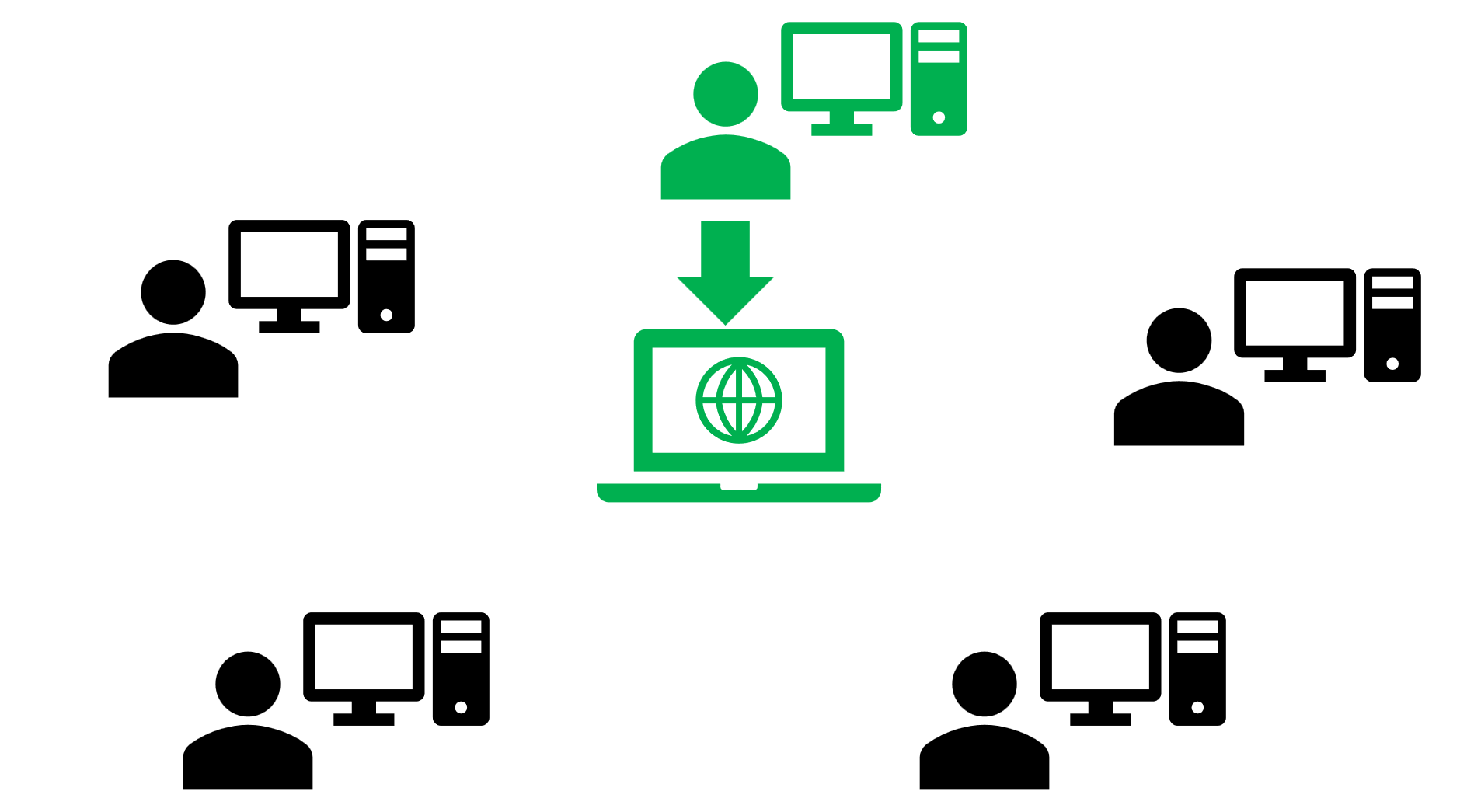
and then that change is synchronised with everyone else so that you all see the same version of the project.
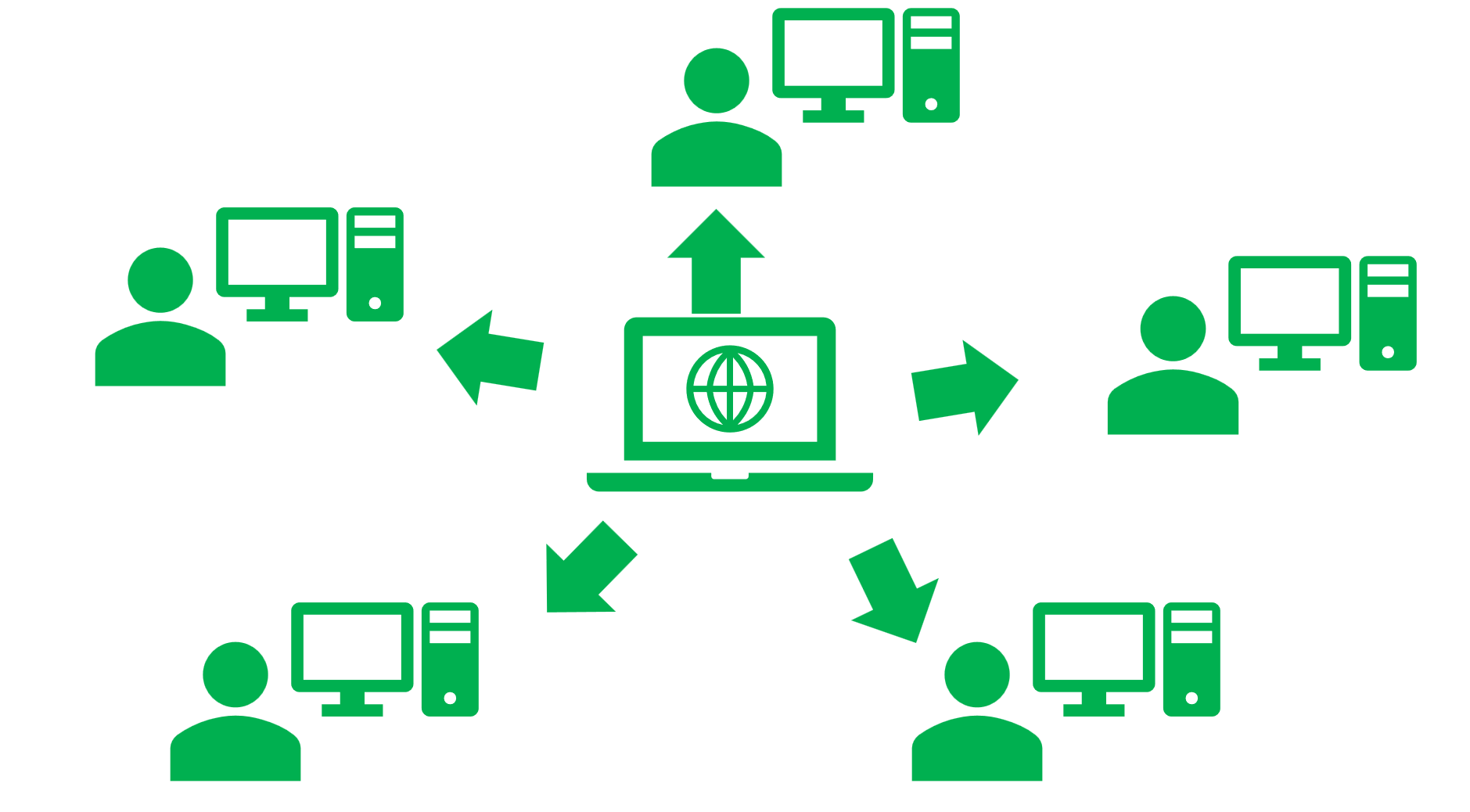
3.2 How offline mode affects synchronisation
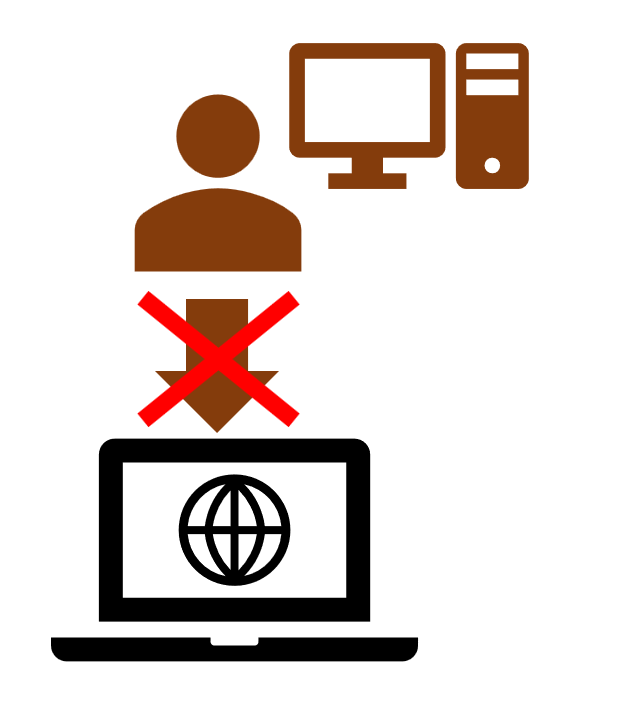
If you are using GRADEpro in offline mode, the changes are not synchronised with the central database, but they are still saved in the cache of the browser on your device.
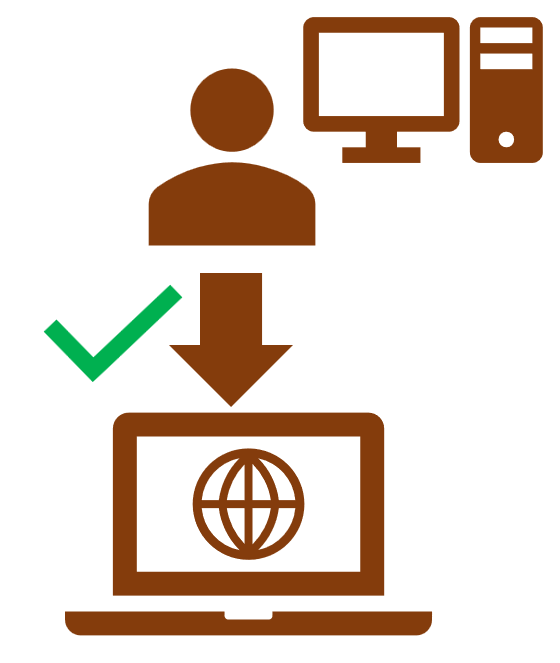
Once the connection is regained, changes are synchronised with the central database.
If you work with other people, they won't see your changes either until you regain connection.
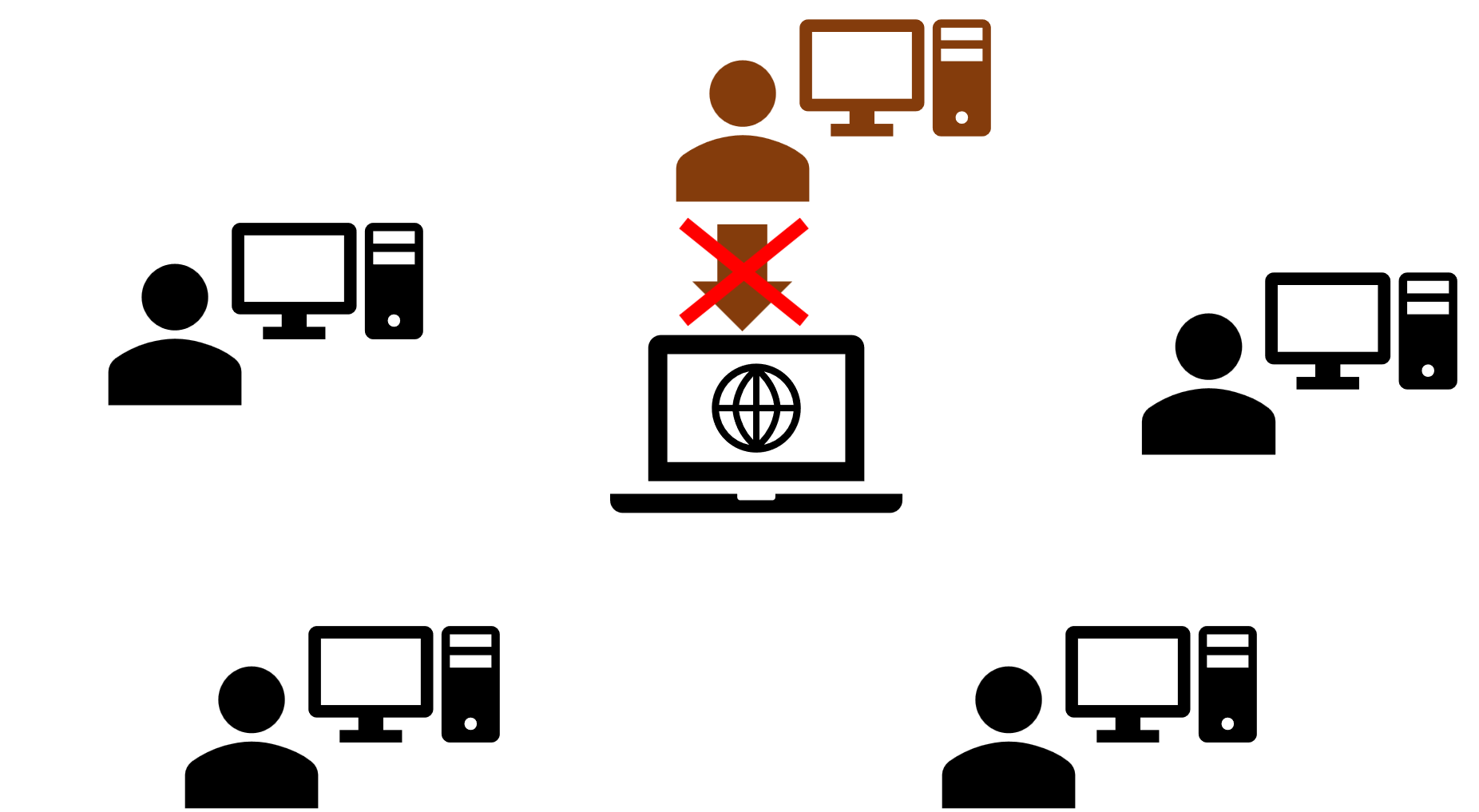
Note: Issues with synchronisation may appear also if the connection works well, for other reasons. If your coworkers say they don't see the changes you entered, please try logging in to your account in the incognito/private mode of your browser. If you don't see the changes either, it means they are not being synchronised properly with our central database. In this case, please contact our Support Team at support@gradepro.orgRELATED ARTICLES
Was this article helpful?
That’s Great!
Thank you for your feedback
Sorry! We couldn't be helpful
Thank you for your feedback
Feedback sent
We appreciate your effort and will try to fix the article