TABLE OF CONTENTS

1. What is a project in GRADEpro?
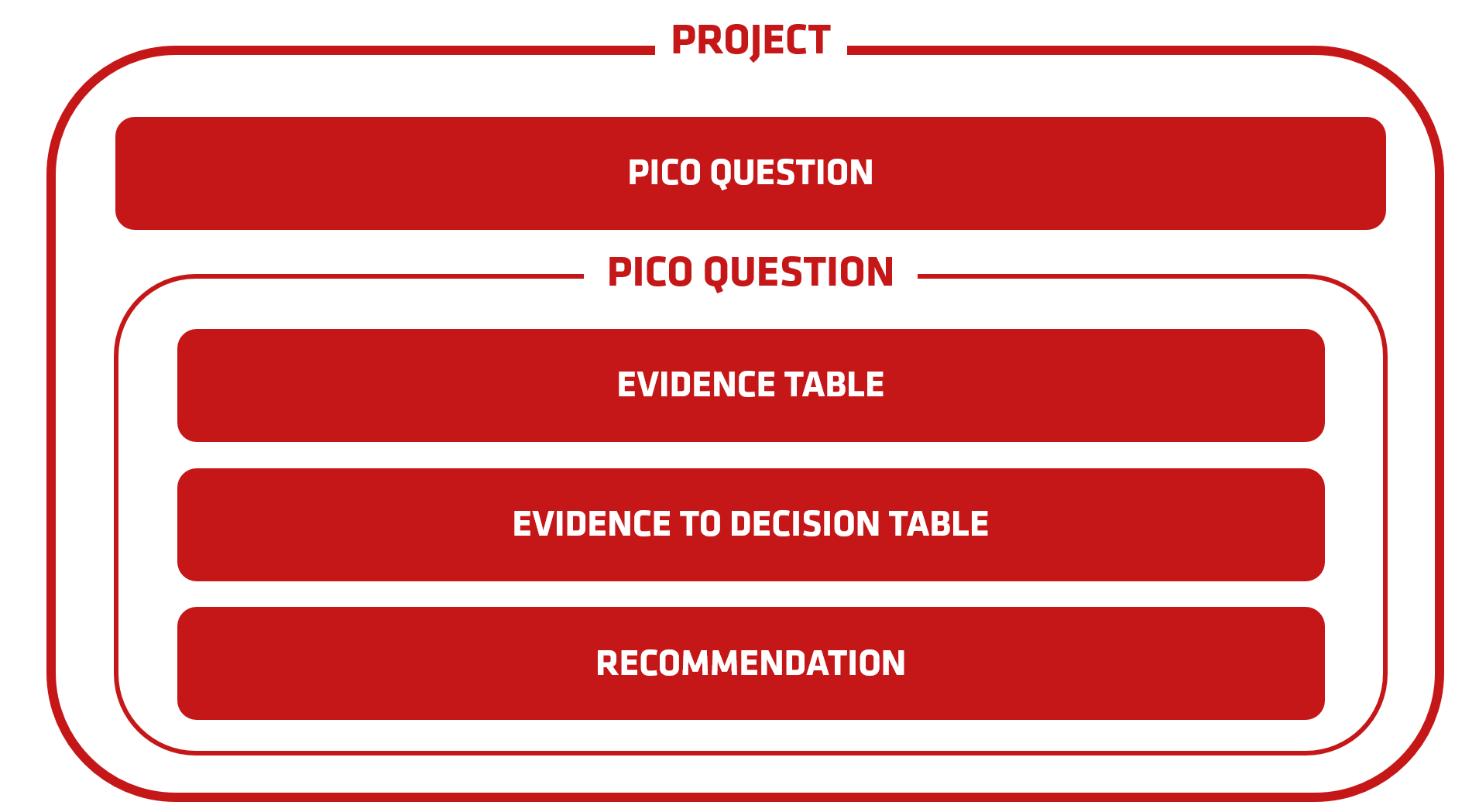
A GRADEpro project is equivalent to a guideline. It collects PICO questions (or clinical questions) regarding the same or similar subject, being the subject of the guideline.
2. Creating a new project
To create a new project, please use the “New project” button in the top right corner of the projects list screen.
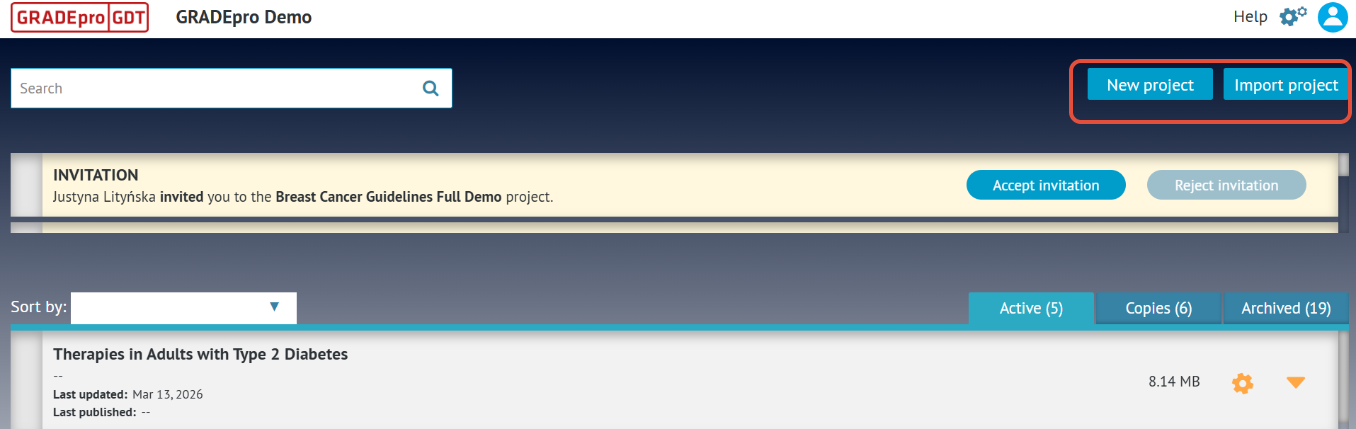
Tip: If the button doesn't work as expected, it may be for a number of reasons. Look here for more information.
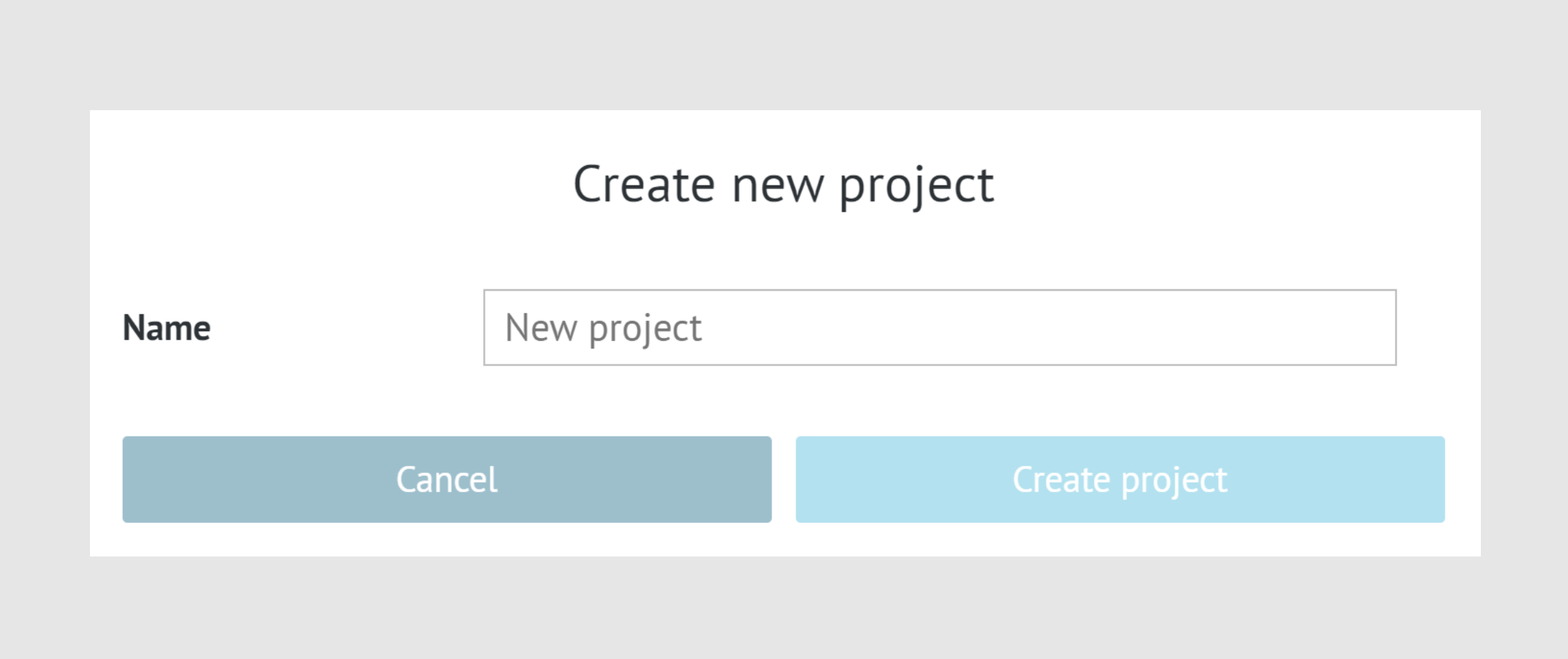
You will be asked to pick a project name. There are no name requirements. You should be just able to easily recognise the project.
Once you create the project, you will automatically find yourself within it.
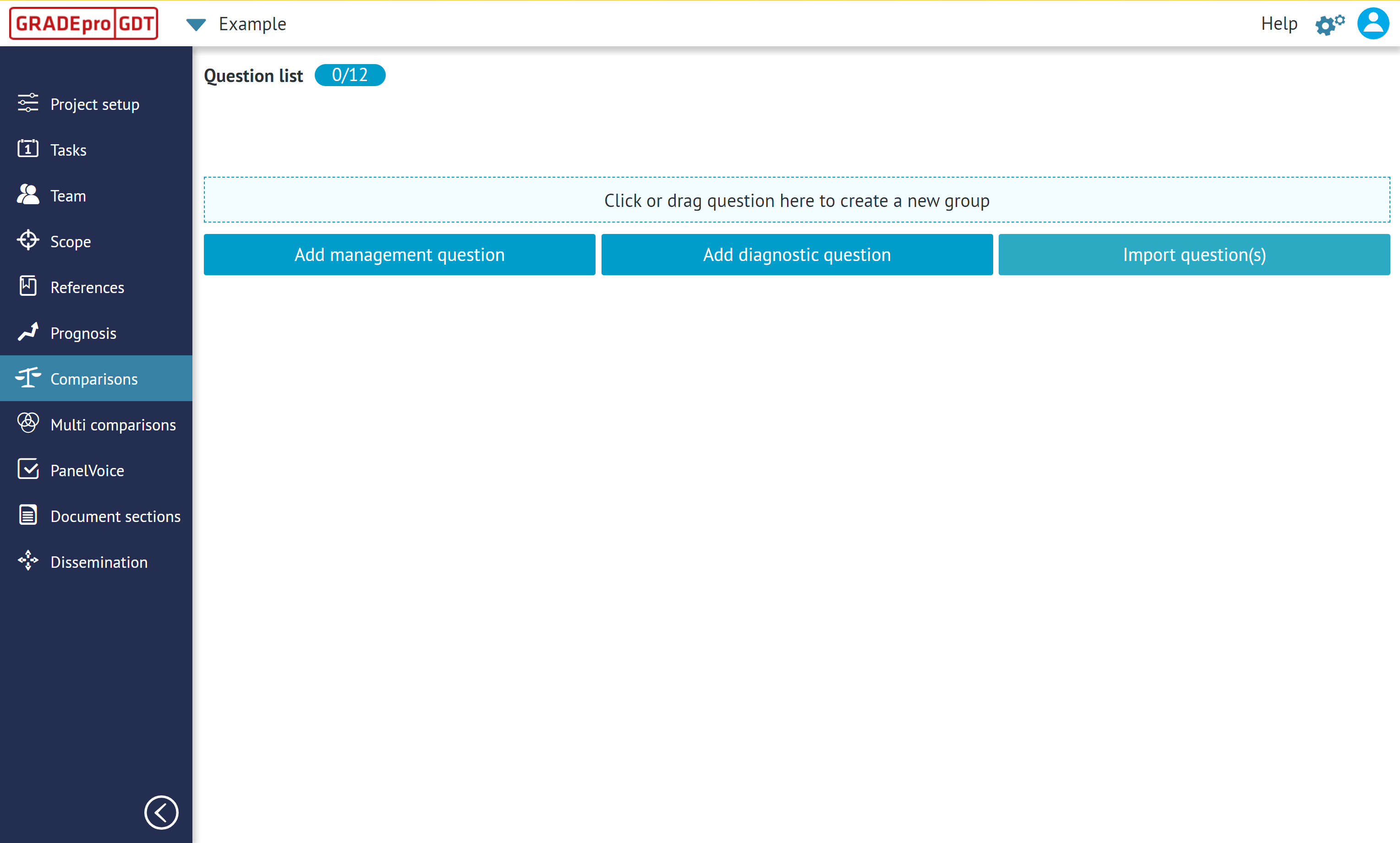
You will see all the GRADEpro features in the menu on your left hand side, as well as the buttons for creating management and diagnostic questions, and importing questions.
You will be later on able to see the project in your projects list. To move there, you can simply click on the GRADEpro logo in the top left corner.
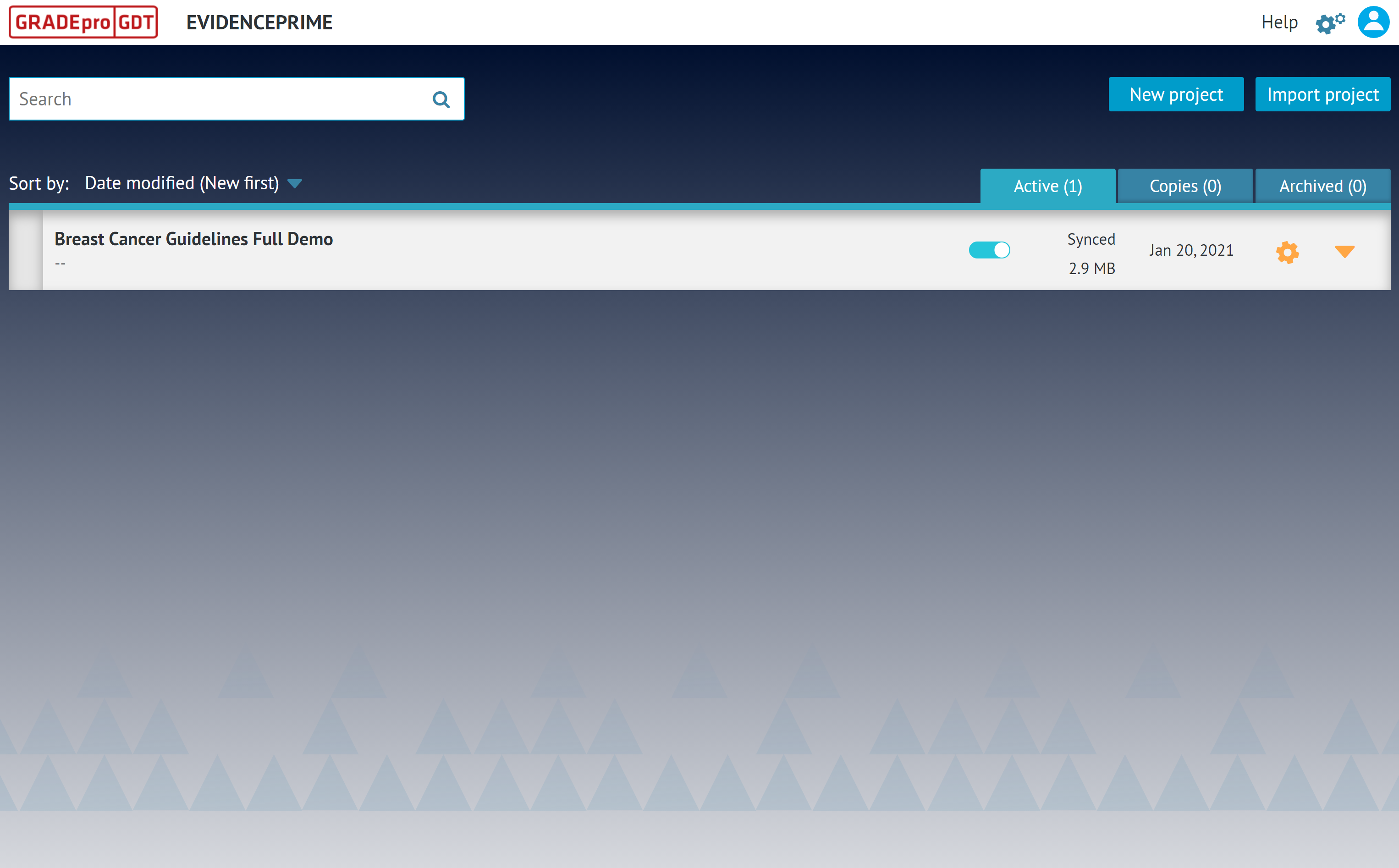
As you can see, you will be able to see the project name, whether it was synced with our central database, its digital size as well as the last modification date.
The arrow on the right hand side you can use to preview the PICO questions in the project, once the questions are created.
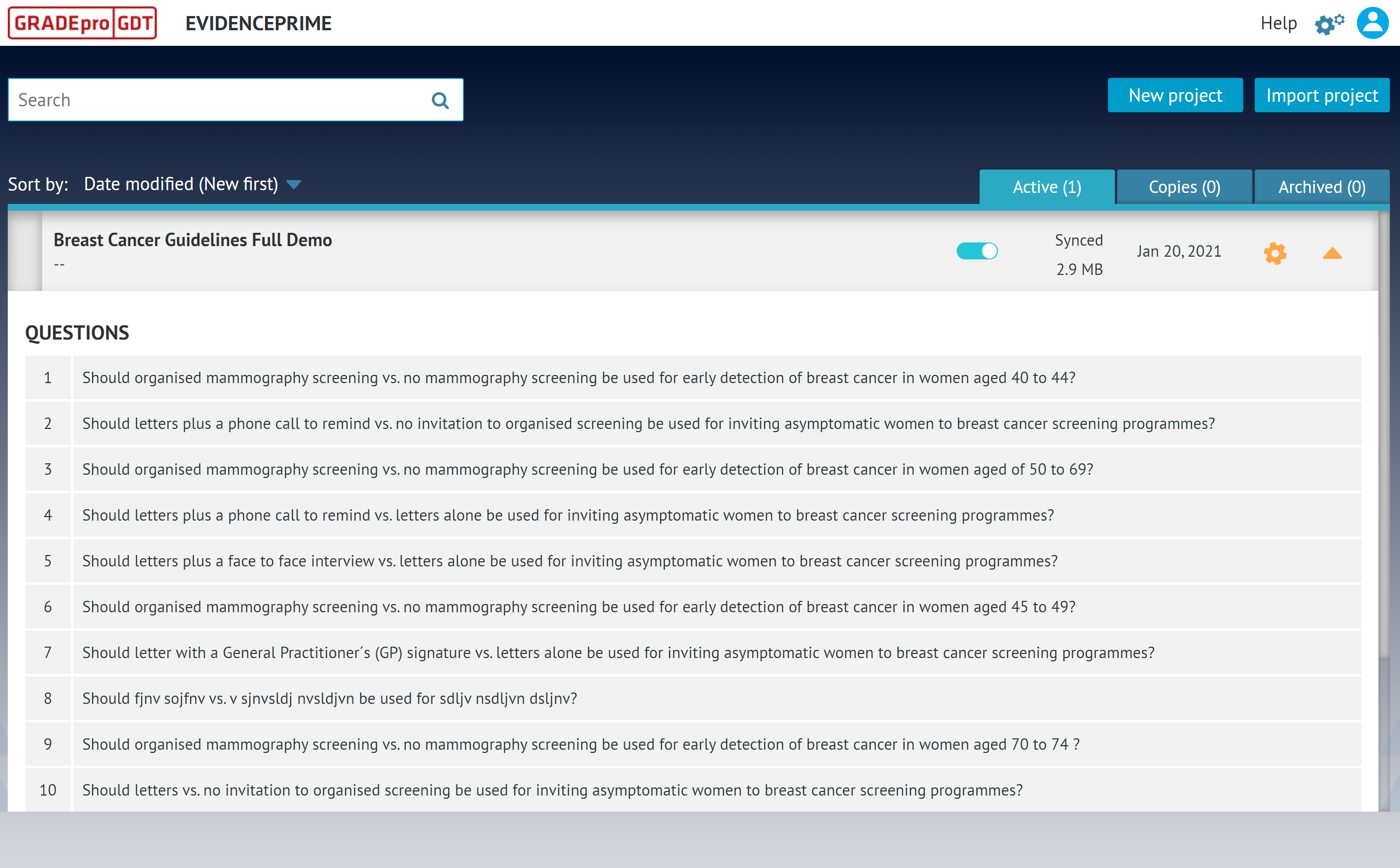
The cogwheel symbol is a set of basic project management tools.
3. Who can create a project?
All users regardless of their subscription can create as many projects as they need in the personal workspace.
Team subscription users need to contact the GRADEpro Support Team in order to create a project within their organisation workspace.
In Enterprise subscriptions only the Organisation Admin can create new projects.
If you cannot create a new project please refer to our troubleshooting guide.
RELATED ARTICLES
Was this article helpful?
That’s Great!
Thank you for your feedback
Sorry! We couldn't be helpful
Thank you for your feedback
Feedback sent
We appreciate your effort and will try to fix the article