TABLE OF CONTENTS

1. Assessment
The Assessment section of the EtD table presents concise summaries of the available research evidence and additional considerations for intervention and comparison.
It guides panel members to evaluate the intervention according to multiple criteria, such as:
- the desirable and undesirable effects of the intervention
- the certainty of the evidence of effects
- the resource requirements or costs
- the acceptability, feasibility, and impacts on health equity
Three columns appear for each criterion in the Assessment section. The left-hand column documents the panel’s judgements for each criterion. These judgments should flow from the summary of research evidence and additional considerations presented in the middle and right-hand columns.
You need to add concise summaries of the research evidence and additional considerations to the EtD table before you invite panel members to review this information and vote on judgments for each criterion. You can manually input summaries or import information you have prepared or retrieved from other sources.
To input or edit information, click on the appropriate cell in the “Research Evidence” or “Additional Considerations” column.
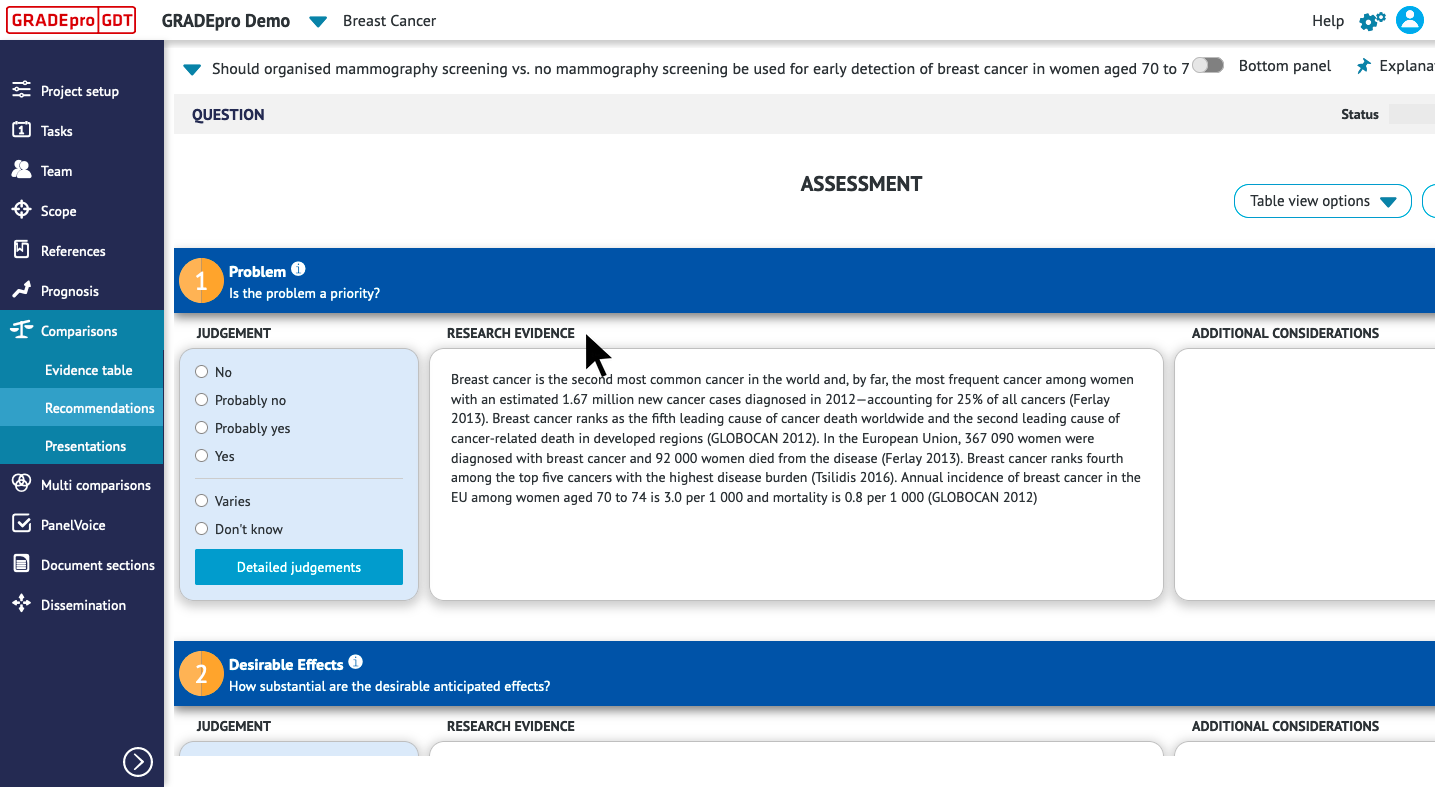
To import a Summary of Findings table that you have created in GRADEpro or an image file from your computer, click “insert” on the toolbar.
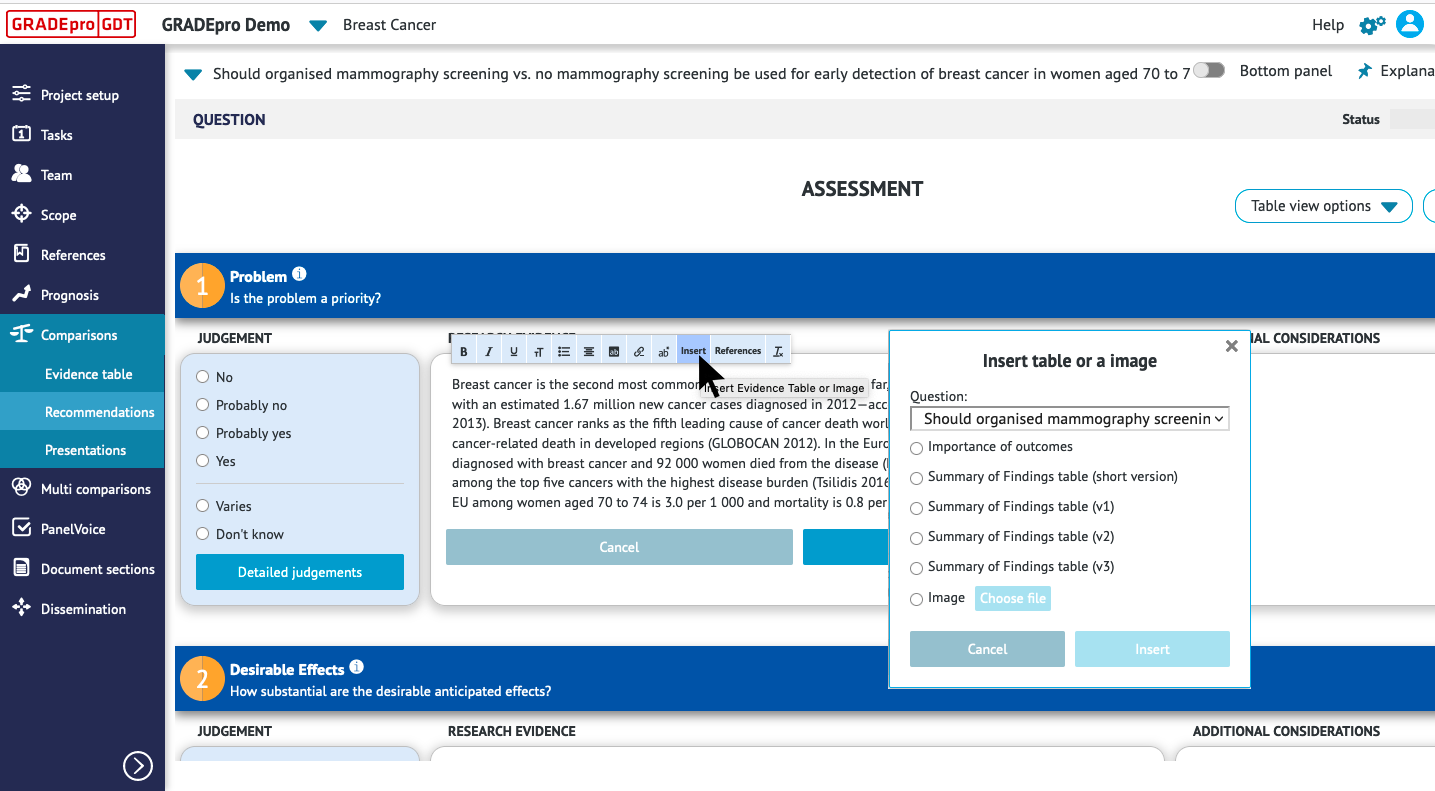
A table that has been inserted into EtD can be updated (to reflect changes made in the meantime in the original evidence table) or edited manually using the icons that appear when you click on the inserted table.
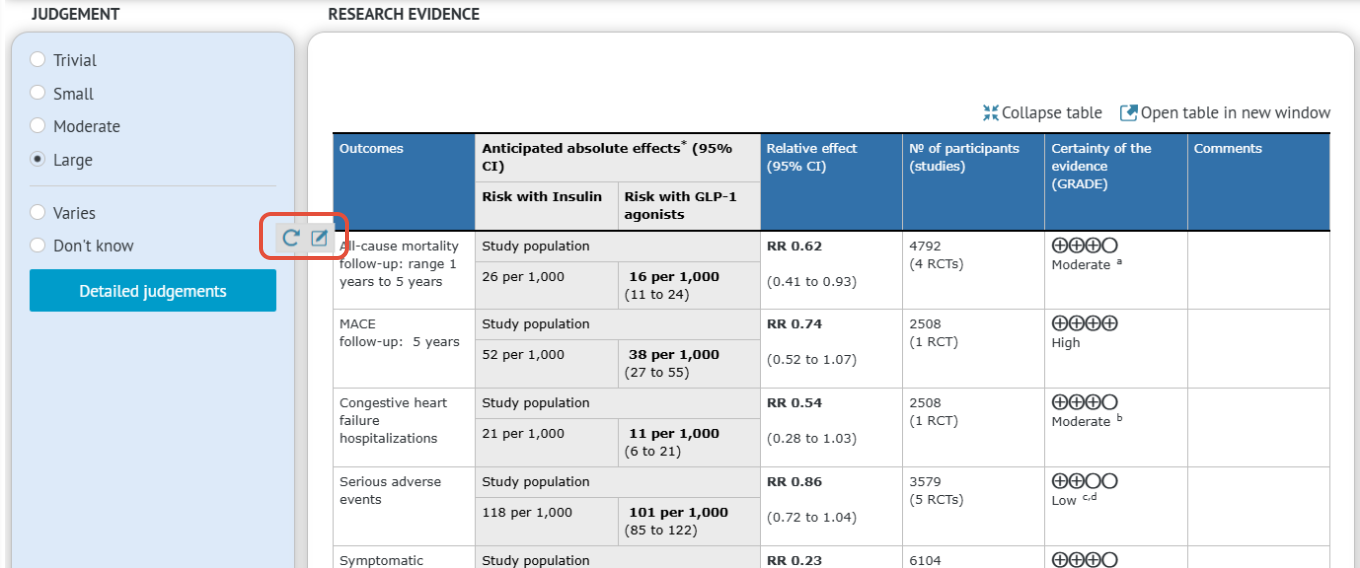
Notice: Note: if you edit table manually, it cannot be updated automatically later on, you will need to add changes manually too.
After you have added summaries of the research evidence and additional considerations, you can use PanelVoice to share the Assessment section of the EtD table with panel members for comments and voting.
Based on panel members' votes and comments, you can select judgments for each criterion.
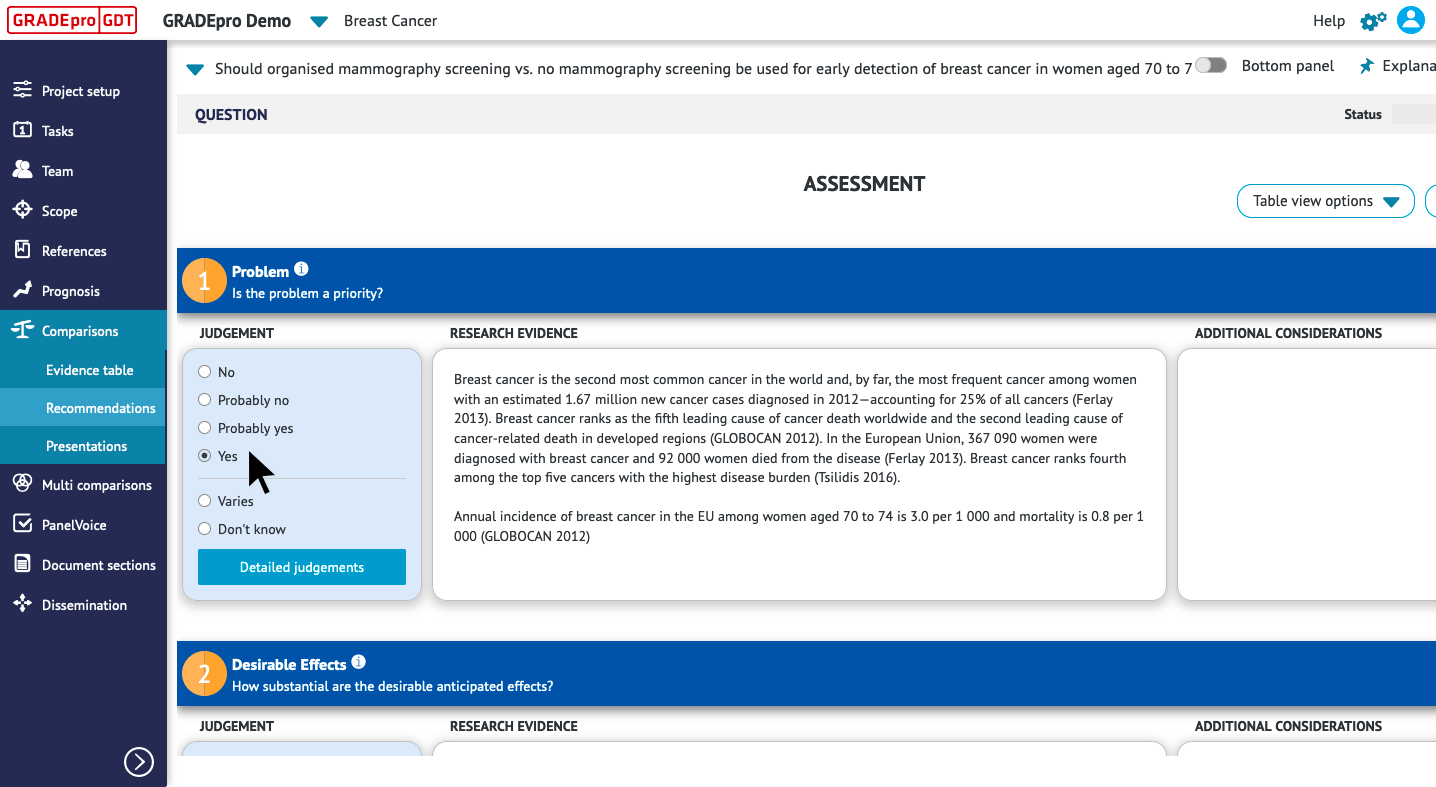
Tips: You may use the “Additional Considerations” column to summarize evidence that is not captured in the research literature, to note underlying assumptions that have guided panel members' judgements, to document dissenting opinions from panel members, or to record other important information that has informed the panel’s decision-making process.2. Summary of Judgements
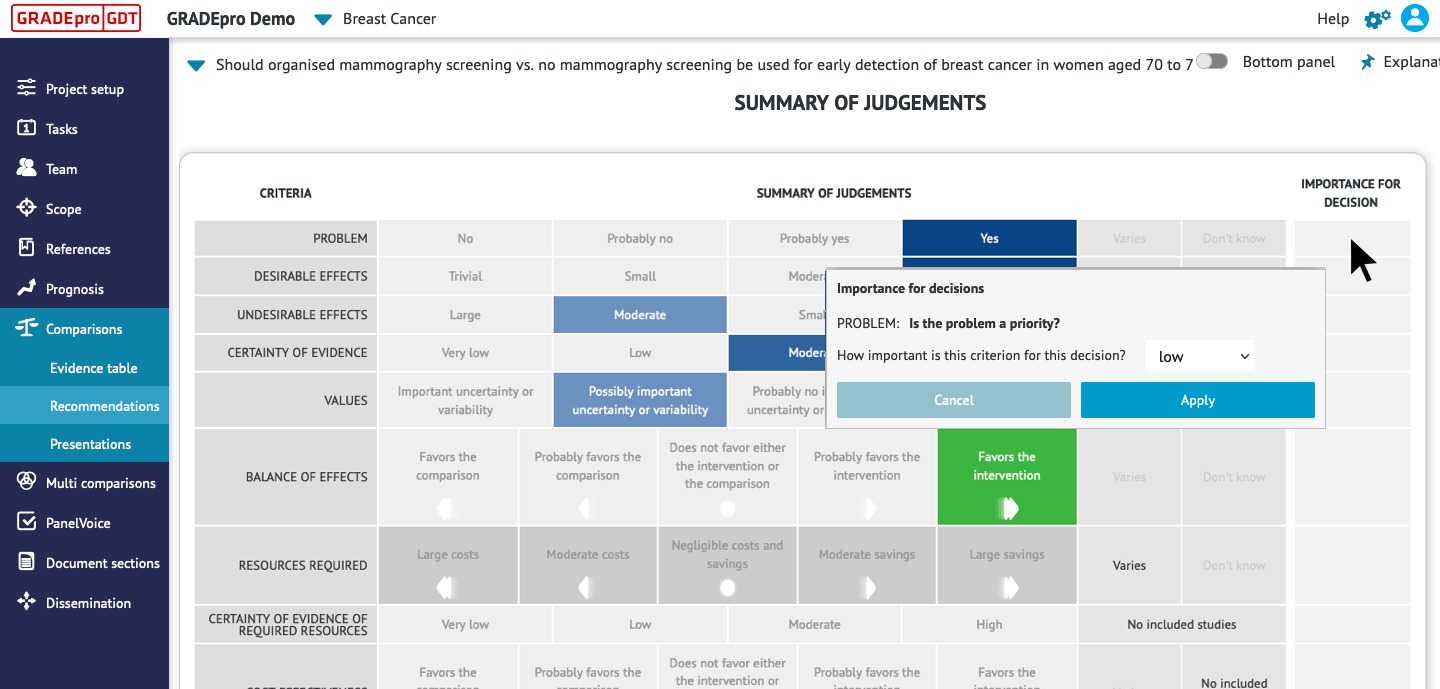
GRADEpro automatically generates the Summary of Judgements based on the judgements selected in the Assessment section.
Your guideline panel may decide to grant more weight to certain criteria than others in the decision-making process. You can manually mark the importance of each criterion in the Summary of Judgements section. Click on the appropriate cell in the “Importance for Decision” column. Select the level of importance from the drop-down menu. Click “Apply.”
3. Type of Recommendation
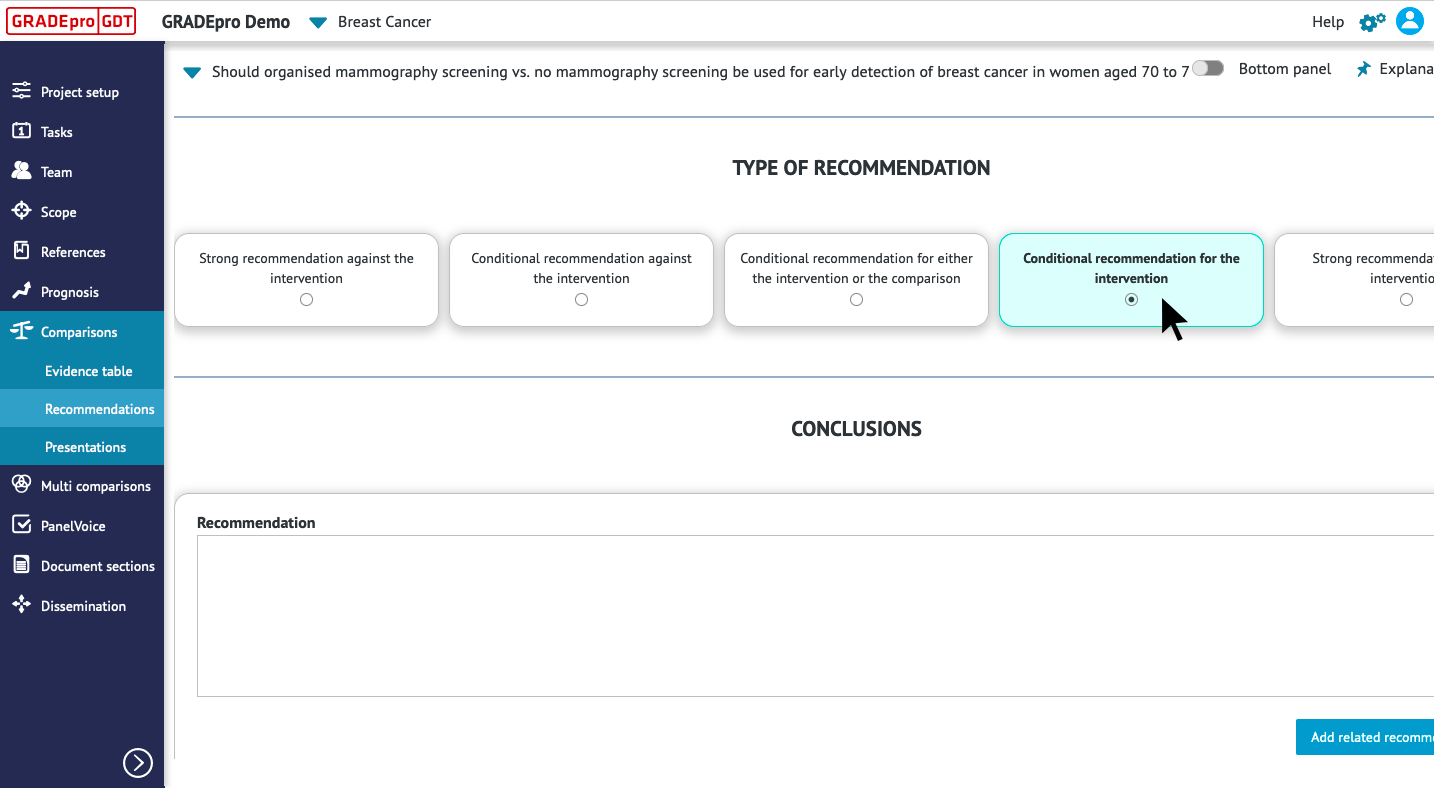
The Type of Recommendation section documents:
- The direction of the panel’s recommendation. A panel may issue a recommendation for or against an intervention based on its assessment of the research evidence and additional considerations.
- The strength of the panel’s recommendation. A panel may grade the strength of the recommendation as strong or conditional based on the balance of anticipated effects, the certainty of the evidence, and other considerations.
You can use PanelVoice to share the Type of Recommendation section with panel members for comments and voting.
Based on panel members' votes and comments, you can select the direction and strength of the recommendation.
4. Conclusions
The conclusions section of the EtD table documents:
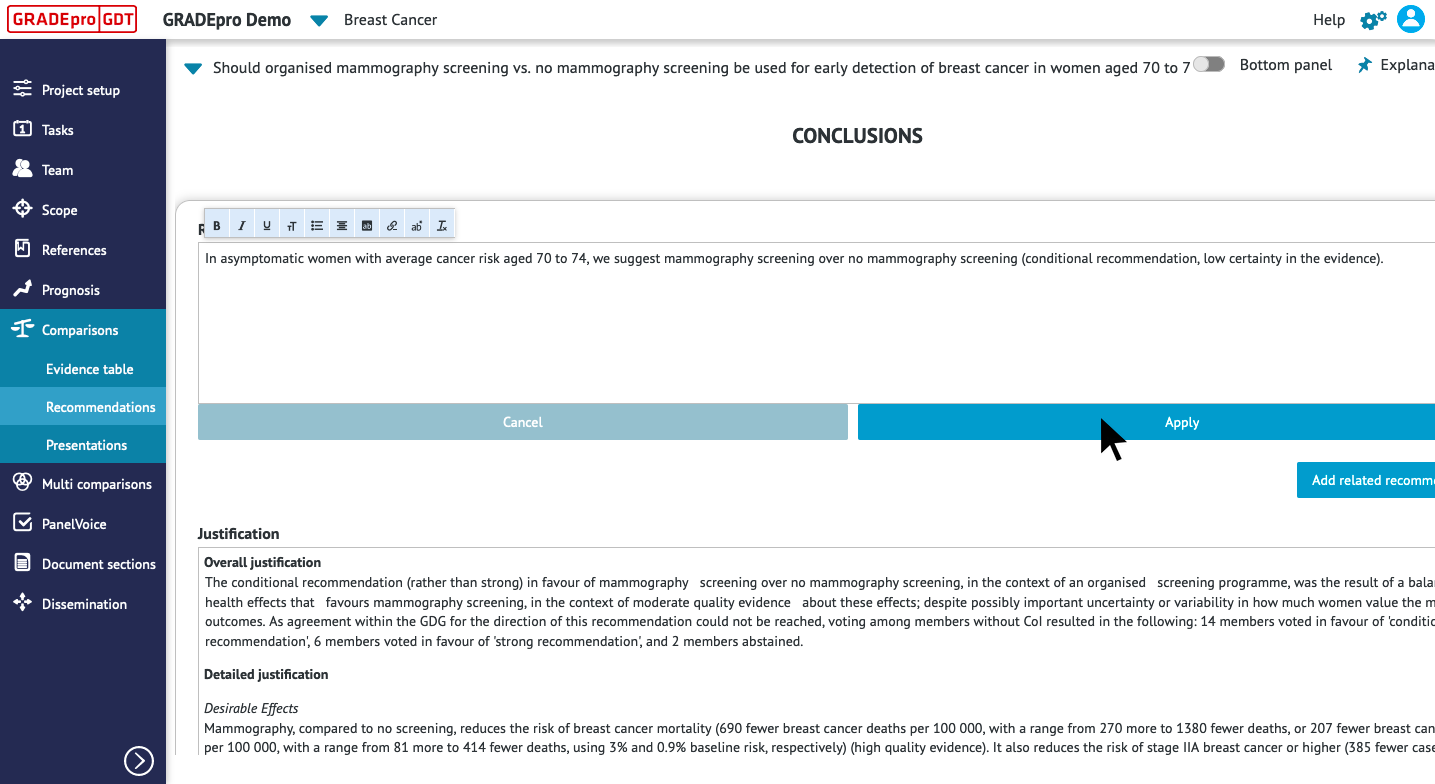
- The recommendation, stated in clear and actionable terms
- The justification for the recommendation, which should reflect the judgements made in the Assessment section of the EtD table
- Subgroup considerations, which should identify and provide guidance for any subgroups that the panel considered when making its recommendation
- Implementation considerations, which should provide information on how to implement the recommendation and address feasibility or acceptability concerns
- Monitoring and evaluation considerations, which should identify key indicators to be monitored or requirements for a pilot study or impact evaluation of the intervention.
- Priorities for future research, which should address important gaps or uncertainties in the evidence that informed the panel’s judgements.
You can use PanelVoice to share the Conclusions section with panel members for comments and proposed wording.
RELATED ARTICLES
Was this article helpful?
That’s Great!
Thank you for your feedback
Sorry! We couldn't be helpful
Thank you for your feedback
Feedback sent
We appreciate your effort and will try to fix the article