TABLE OF CONTENTS
- 1. Introduction
- 2. Document structure
- 3. Editor options
- 4. Inserting recommendations
- 5. Changes tracking and comments
- 6. Publication

The Document sections module allows you to create a full guideline document with embedded recommendations you have created in GRADEpro
1. Introduction
Document sections is a project module available for all GRADEpro users. It is a document template that can be populated with data to create a complete guideline document.
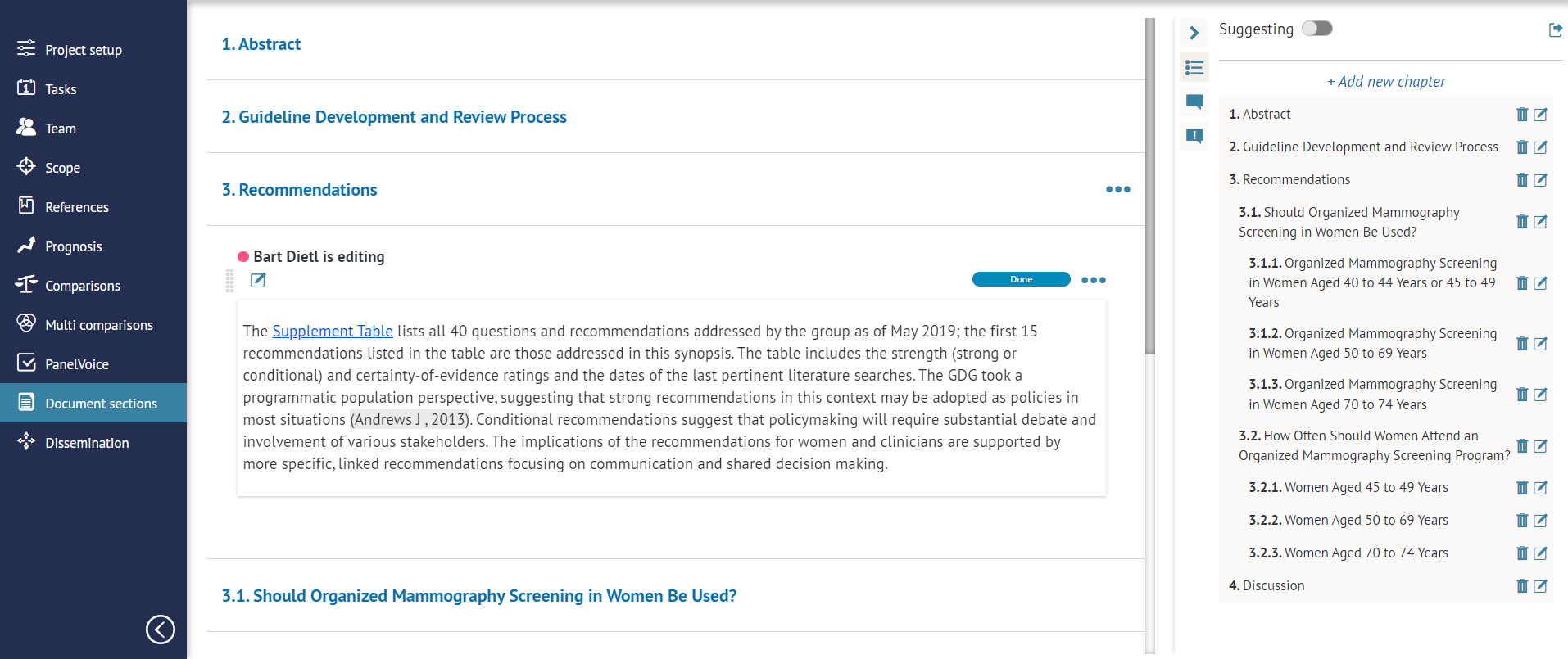
The module is built on a flexible canvas that can be modified according to your needs. The changes are tracked and you can also leave comments for your collaborators.
You can also easily embed into the document the recommendations that you have previously prepared using GRADEpro.
Finally, you can export your guideline in order to disseminate it, or you can publish it using the tools offered by GRADEpro.
2. Document structure
The document is divided into chapters or sections. Each chapter can contain text, in one field or multiple fields, as well as embedded pictures, tables and recommendations.
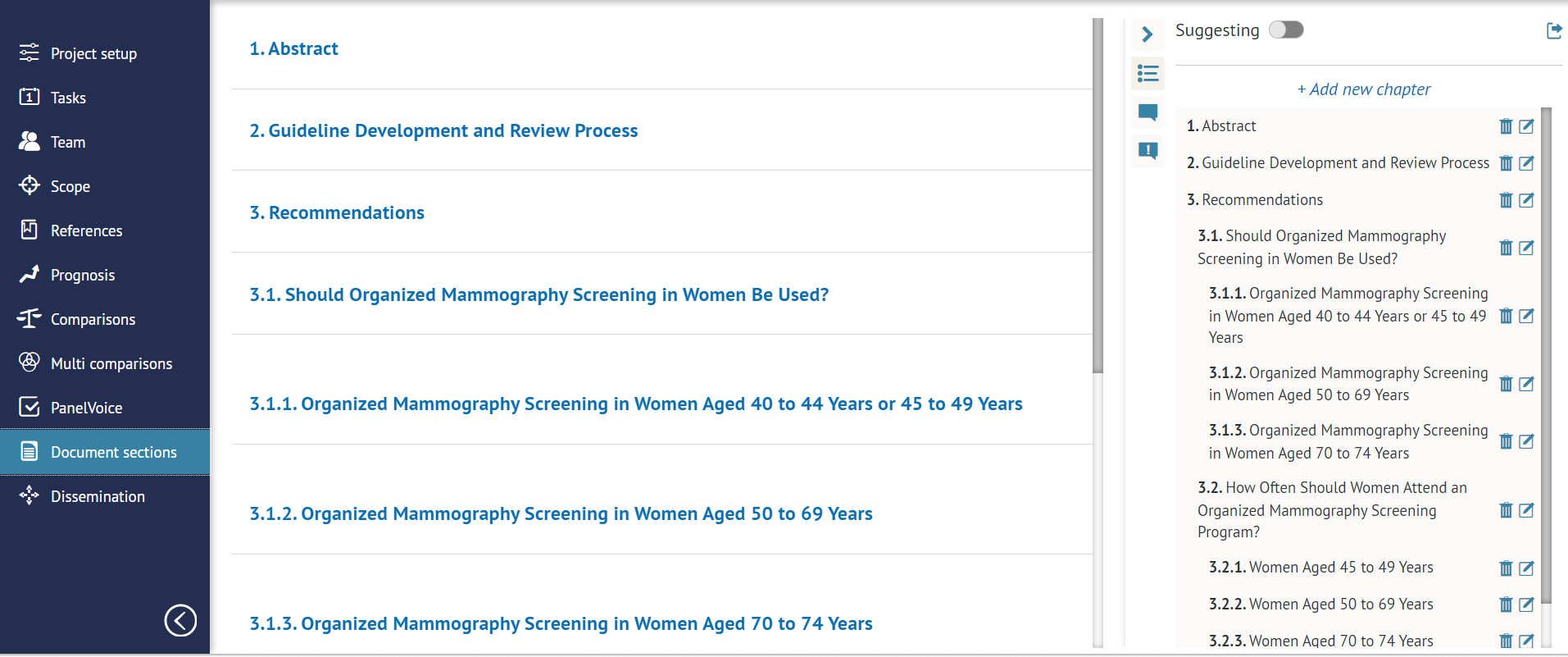
The chapters can also be nested in one another to create subsections of various levels, in order to fully reflect your desired document structure.
Each section and subsection is numbered automatically.
The sections can be moved by drag-and-drop mechanism.
3. Editor options
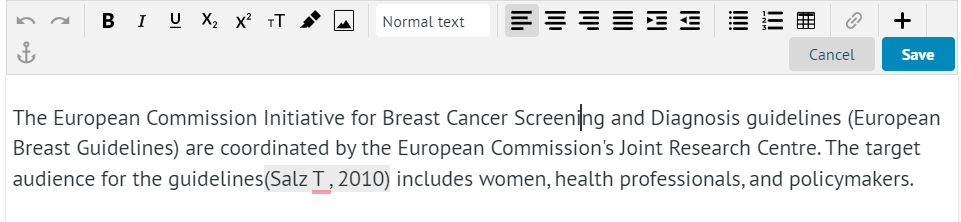
The module offers a full variety of options to edit text, including inserting pictures, tables, and links, linking to other sections of the document, and inserting recommendations created within the Comparisons section of the project.
4. Inserting recommendations
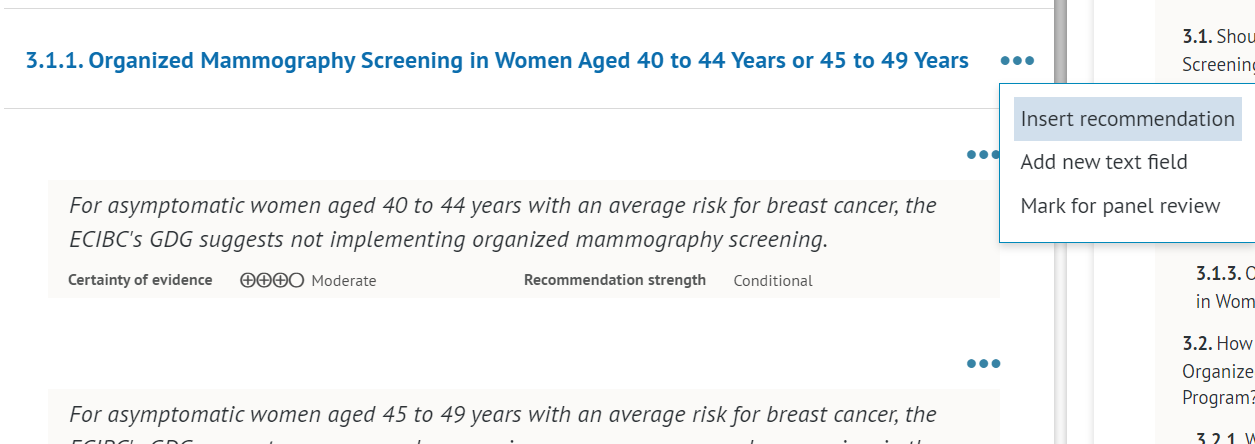
The editor allows you to easily insert the Recommendations you made in the project, including prominent visual representation of the recommendation's direction and strength as well as the certainty of underlying evidence.
5. Changes tracking and comments
To keep track of changes made to the document, it is possible to edit it with Suggestion mode (enabled by the toggle at the top of the side menu), in which all the changes made are recorded and subject to further acceptance by the document manager.
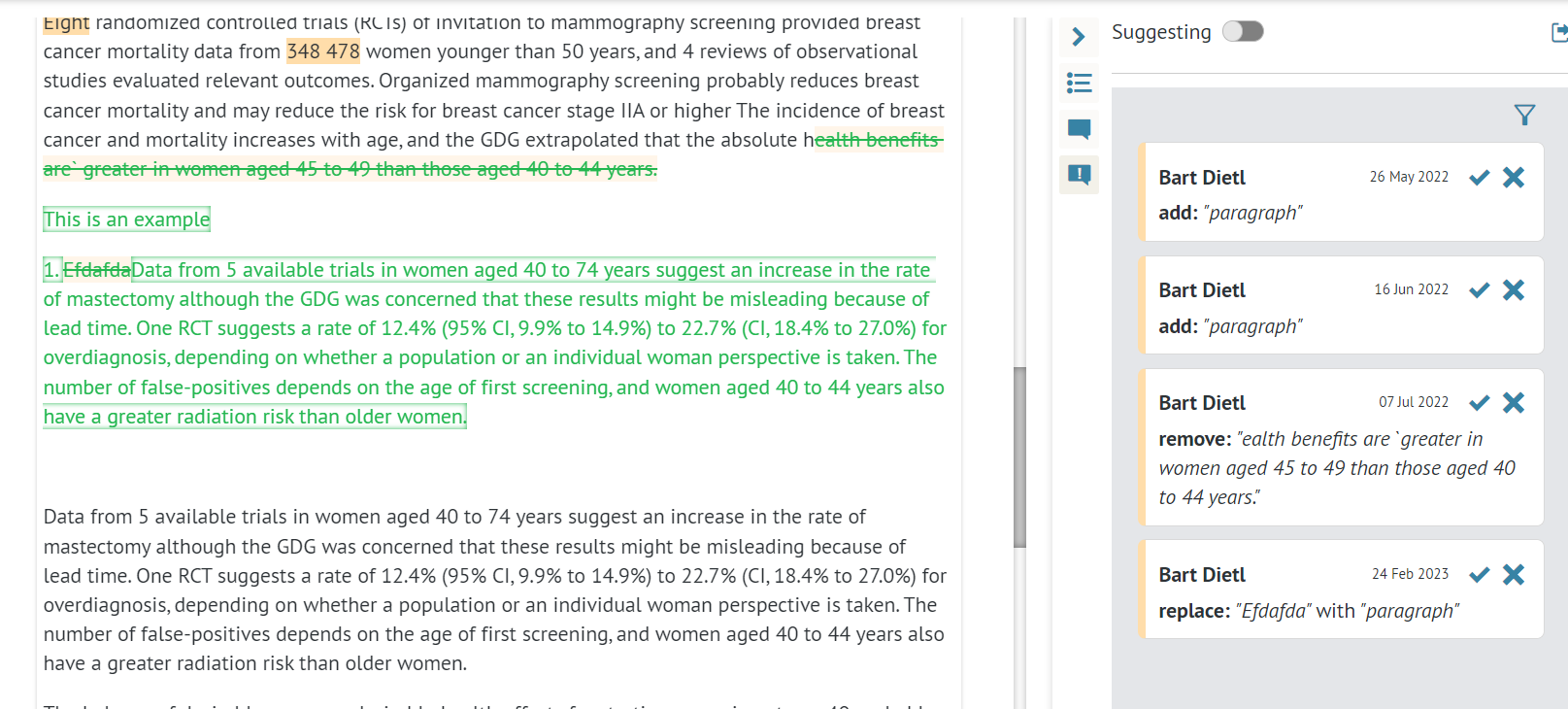
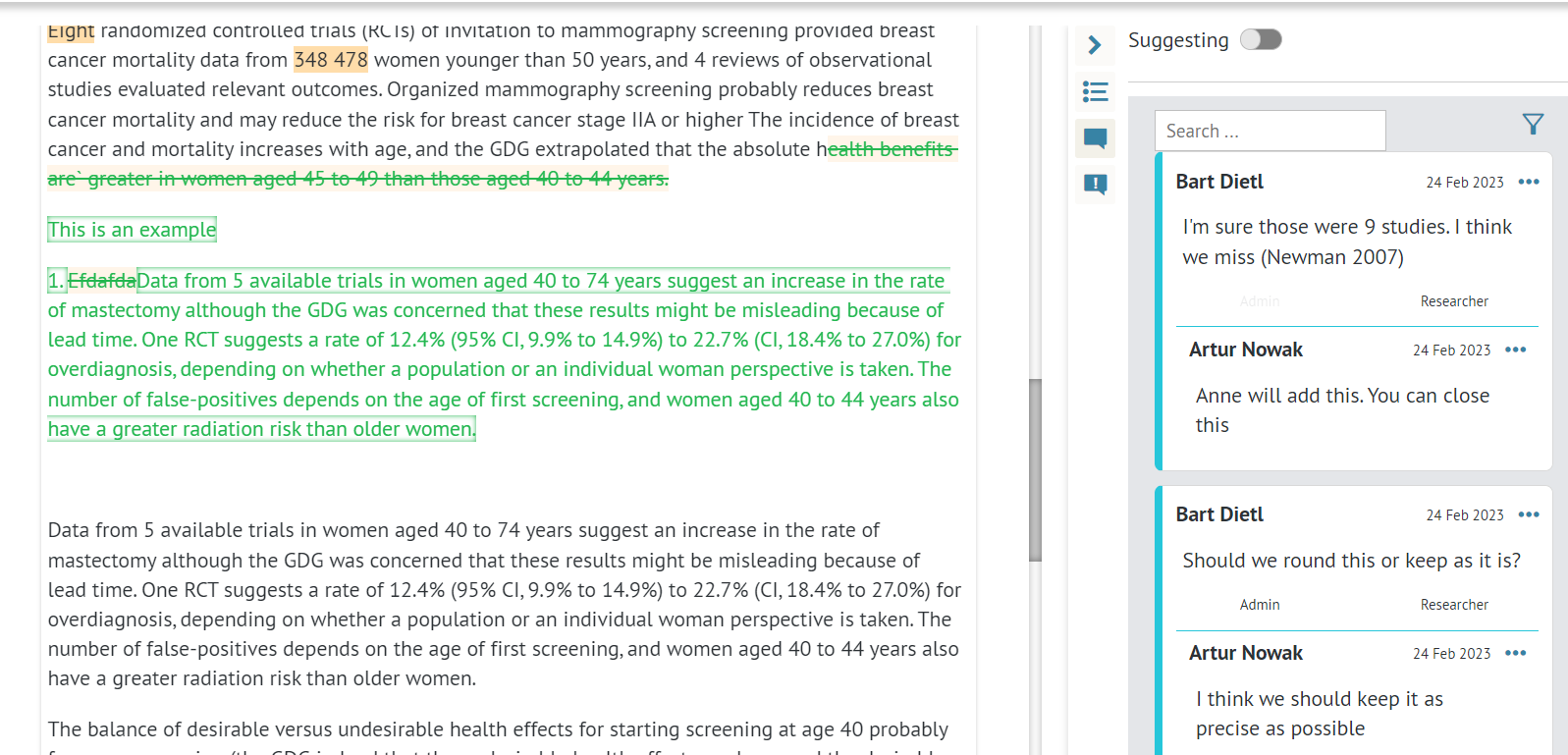
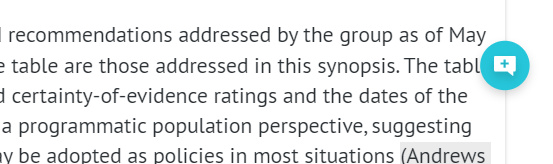
It is also possible to suggest changes by adding comments to the document by using an icon available upon editing the content.
6. Publication
The content of the section can be published in a few different ways:
6.1 Exporting to a text editor
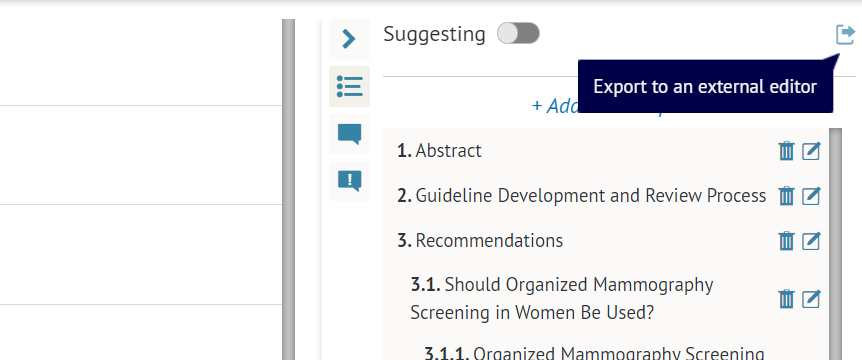
As with most documents and tables in GRADEpro, you can export the full guideline document as an editable text file, which you can later publish traditionally.
6.2 Exporting to a publication portal
When purchasing a GRADEpro subscription, organisations have the option to commission a dedicated publication platform to be created for them. Such a portal would hold only recommendations and guidelines made by your organisation.
The content can be browsed as whole guidelines or as separate recommendations.
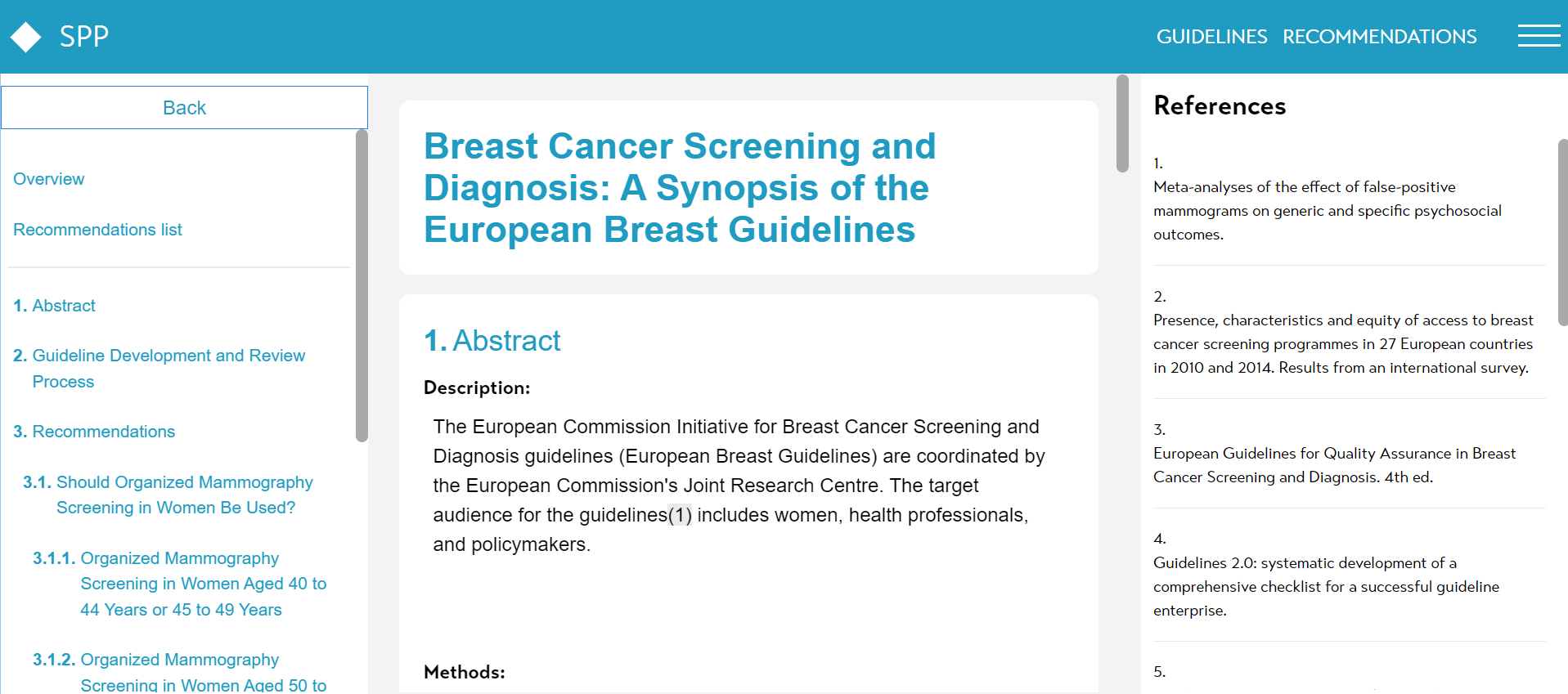
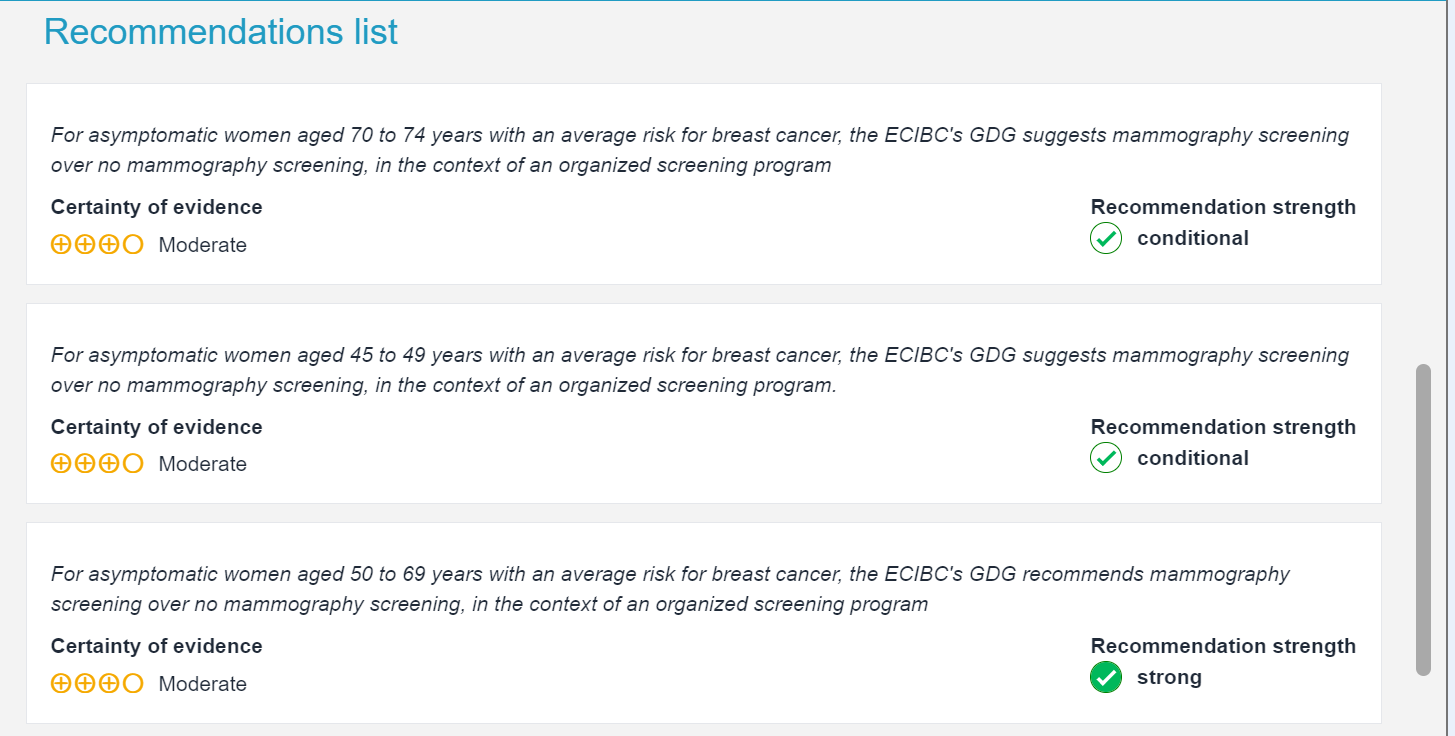
The branding of such a portal can be adjusted to your organisation.
6.3 API publication
With the use of API, the content of your guideline document can be transported to an existing website of your organisation and presented there together with the rest of your materials. Such solutions need to be discussed with our technical team during the process of securing a subscription
RELATED ARTICLES
Was this article helpful?
That’s Great!
Thank you for your feedback
Sorry! We couldn't be helpful
Thank you for your feedback
Feedback sent
We appreciate your effort and will try to fix the article