TABLE OF CONTENTS

DBEP, or Database of GRADE EtD's and Guidelines, is an online library of recommendations and evidence profiles created with the help of GRADEpro. Learn how to publish your recommendations and guidelines there and what are the publication criteria.
1. Introduction
Database of GRADE EtD's and Guidelines, or DBEP, is an online library of recommendations and evidence profiles created with the help of GRADEpro.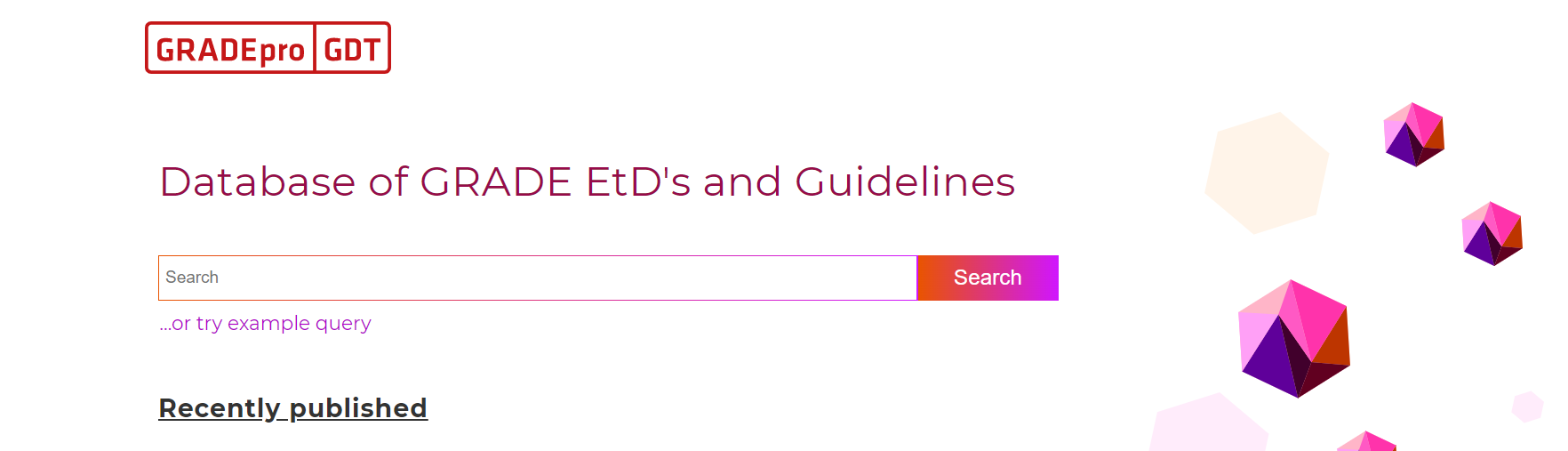
Any GRADEpro user can publish their work in the DBEP for free, provided it meets the required criteria.
2. Publication criteria
The most important aspects the GRADEpro Team verifies are:
- Whether authors have been named in the publication
- Whether the data is complete (there are no blank sections)
To enter the authors, you have to go to the Comparison section of your project and edit it in the question you want to publish
In case of outcomes in your PICO questions, if there is no data to be entered, instead of leaving the cells empty, you can use the not measured or not reported category of the outcome.
3. How to publish
When you decide you want to publish your work, you need to go to the Dissemination section of your project.
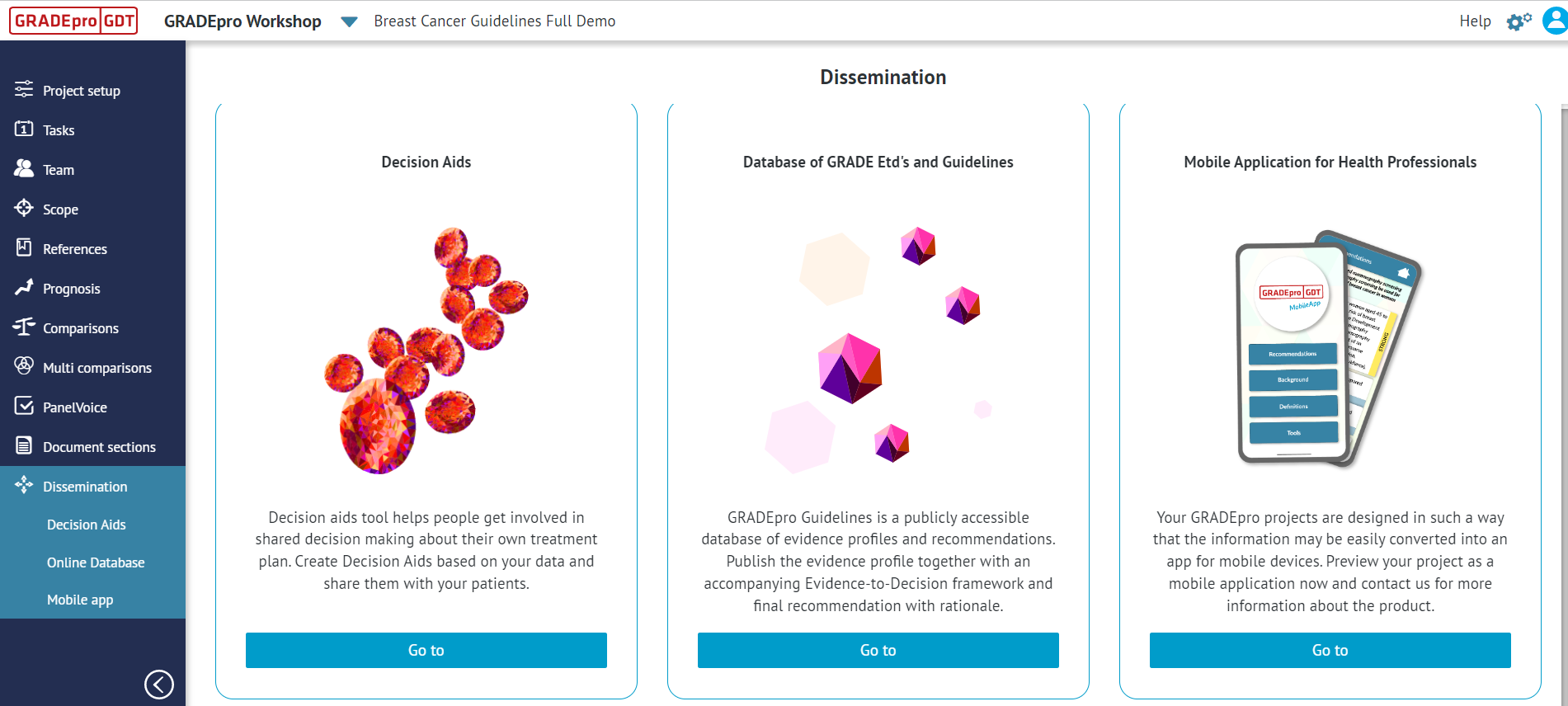
There, one of the options will be the Database of GRADE EtD's and Guidelines. Once you enter it, you will see the list of all your PICO questions in this project.
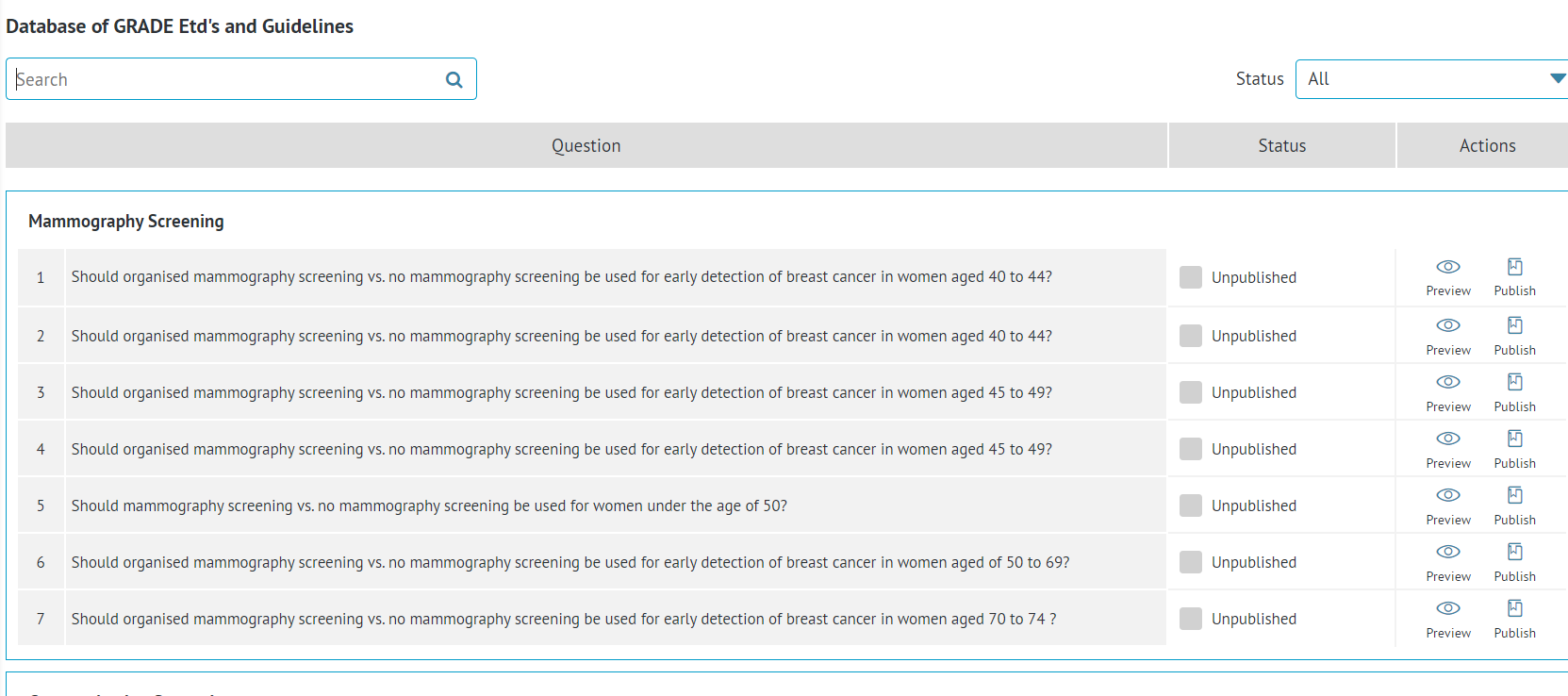
Each question has a status assigned. In this example, they are all Unpublished. If you have too many questions to keep track of them, you can either search for the question of interest with the search bar in the top right corner or filter the questions by status (provided there are questions with different statuses)
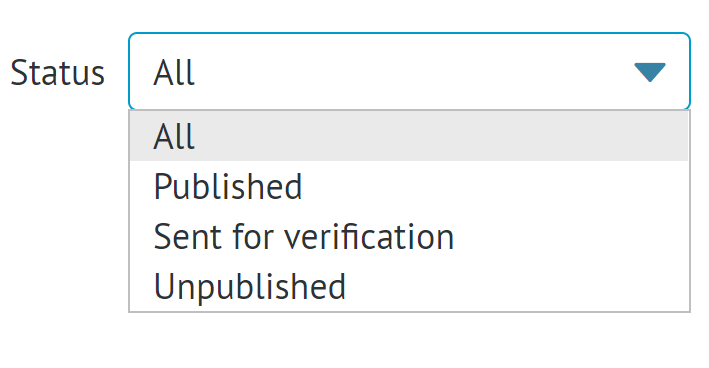
Apart from Unpublished, the status can be either Sent for verification or Published. If the verification is not successful, the status will return to unpublished, and you will be notified by the GRADEpro team.
You can also see the preview of what your project will look like once published.
Once you are certain you want to publish, please click on the Publish button. The evidence profile will then be sent for verification to the GRADEpro Team. If the verification is successful, the profile will be published in the DBEP.
RELATED ARTICLES
Was this article helpful?
That’s Great!
Thank you for your feedback
Sorry! We couldn't be helpful
Thank you for your feedback
Feedback sent
We appreciate your effort and will try to fix the article