TABLE OF CONTENTS

The presentation module provides templates that are automatically or semi-automatically populated with the content and can be easily exported and disseminated. Learn how you can use this module to present your work in a concise and visually appealing manner.
1. Introduction
After the evidence is summarised in the evidence table, the certainty of the evidence is assessed, and the recommendation is created, you can concisely present your work.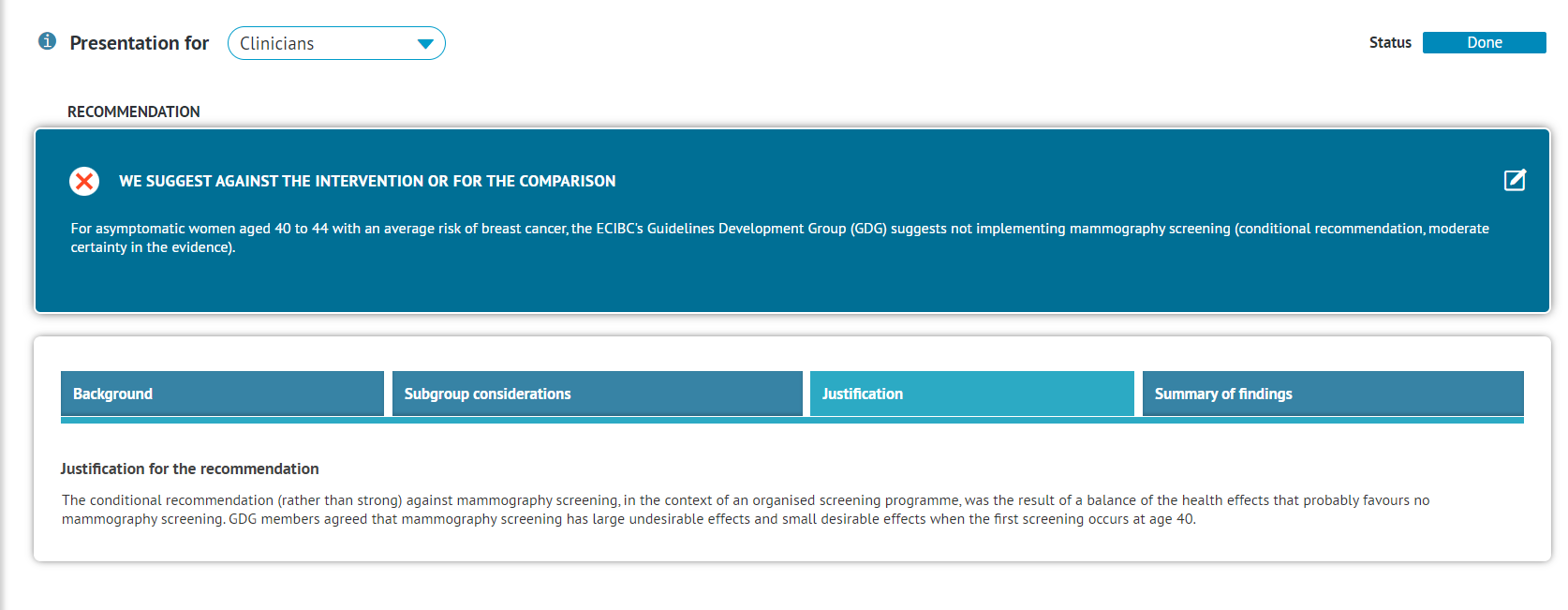
The presentation module provides templates that are automatically or semi-automatically populated with the content and can be easily exported and disseminated.
Note: If you publish your content in GRADEpro's Database of EtDs and Guidelines, the presentation formats are used to display the evidence.
Three presentation templates are available, depending on the target audience - Policymakers, Clinicians, or Patients. The templates are characterised in detail below. Additionally, for the Team and Enterprise subscriptions, Premium Patients Presentations are available, allowing for presenting the evidence in a visually appealing way.
2. Presentation formats
There are three presentation formats available in GRADEpro, depending on the target audience:
All three have been described in detail below.
2.1 Policymakers
The presentation for policymakers is focused on presenting the recommendation to the parties responsible for deciding whether or not to implement it, e.g., in a country. It is supposed to show all the potential benefits and obstacles of introducing this recommendation as well as how it might be monitored. Therefore the justification and implementation considerations, as well as the rationale behind the recommendation (Background, Assessment), are especially emphasised.
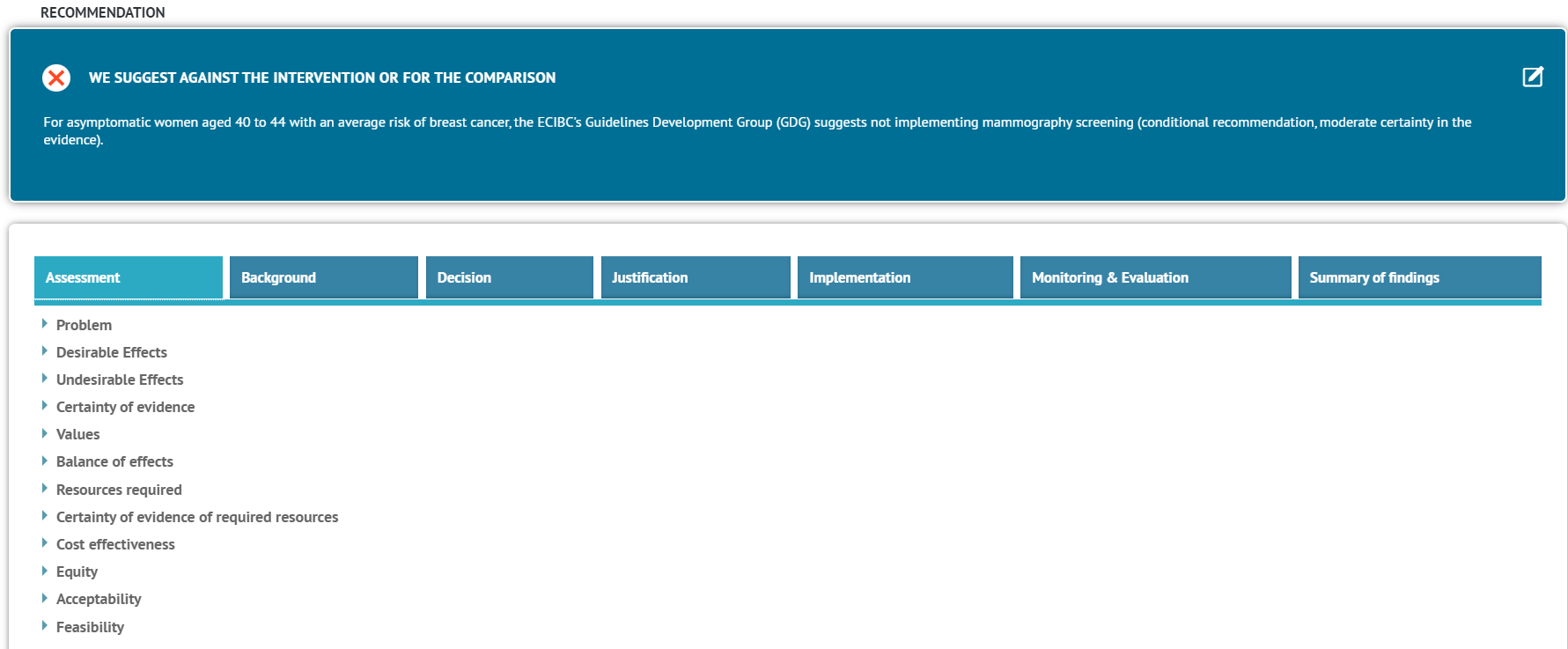
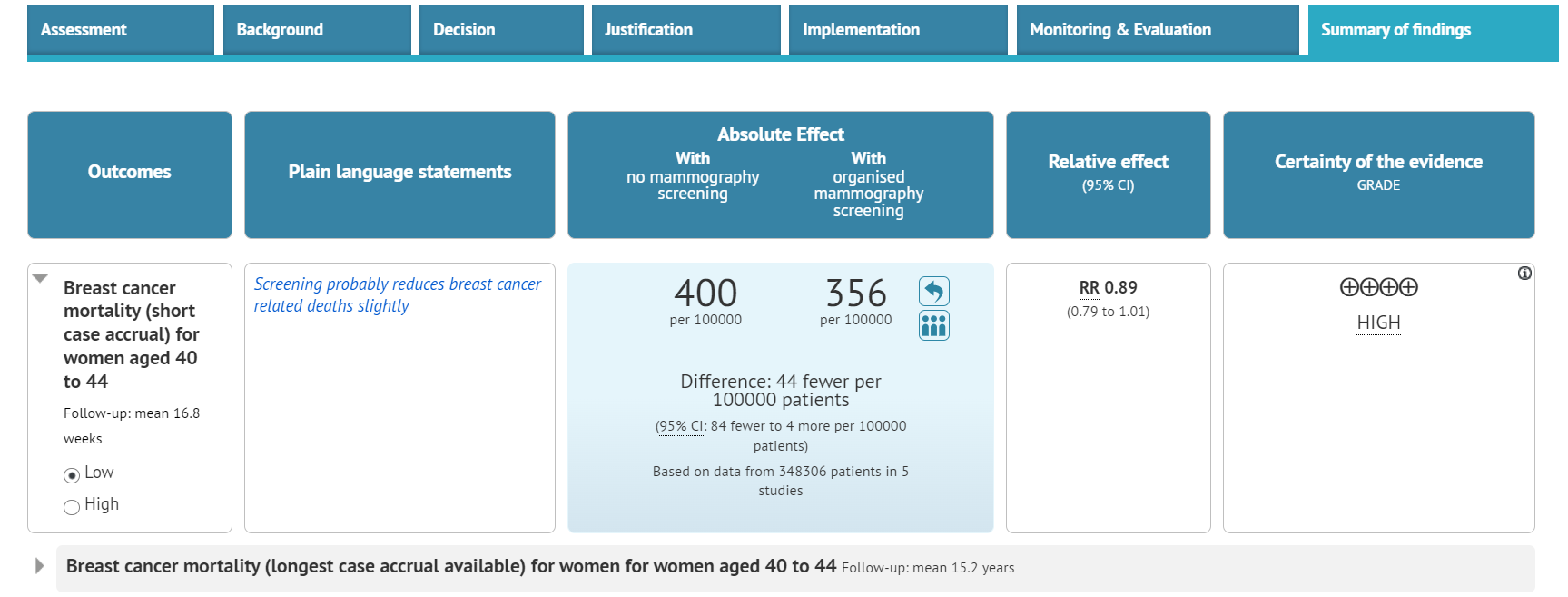
The evidence is presented as an interactive Summary of Findings table
Additionally, the Policymakers' presentation contains the Decision element to allow for deciding on implementing the recommendation.
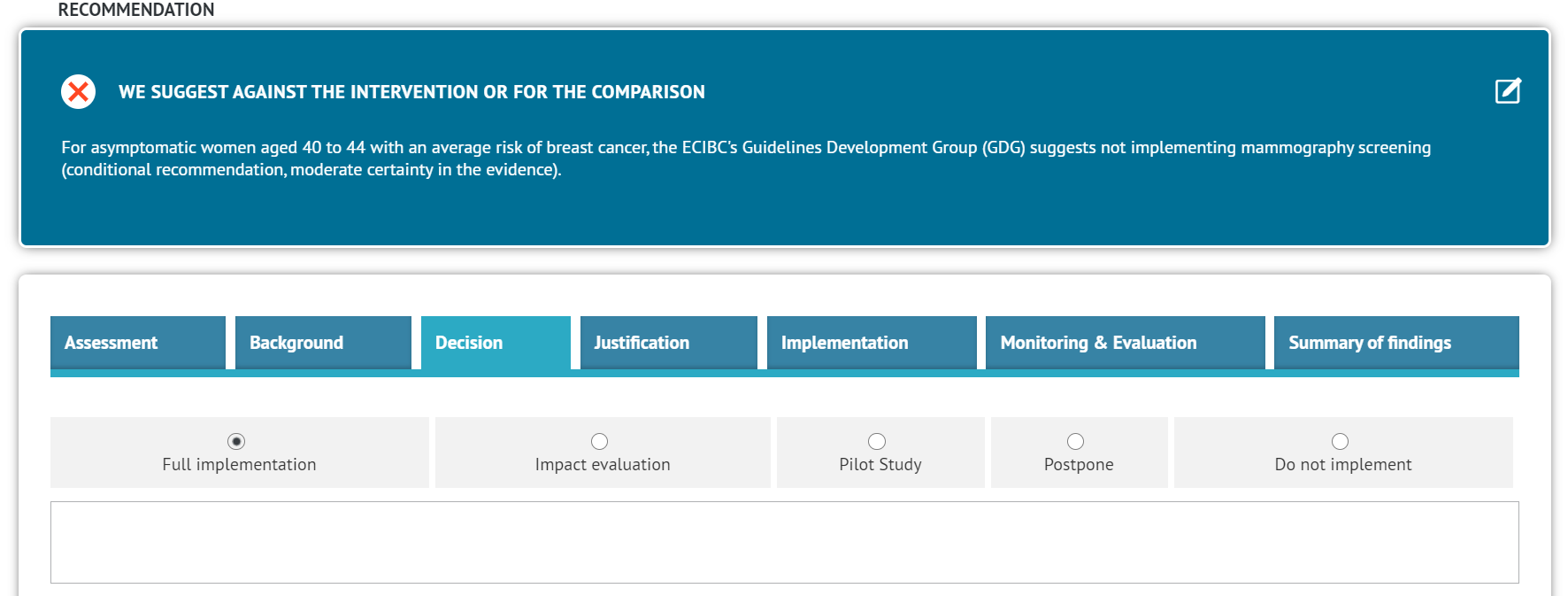
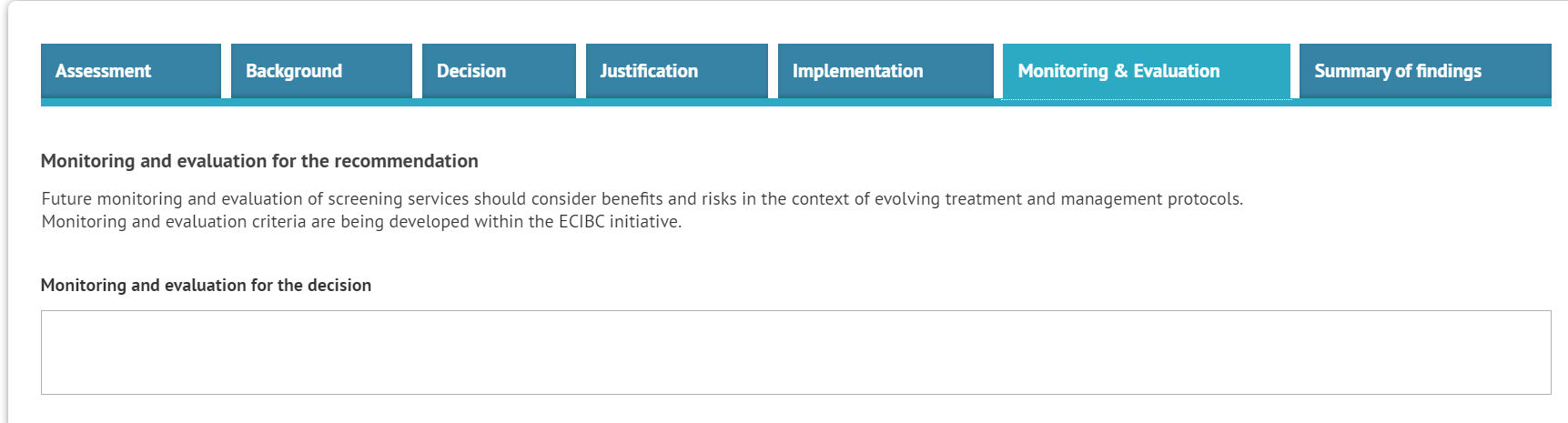
This is reflected in the Justification, Implementation, and Monitoring sections, where part of the content is copied automatically from the EtD, but the other part referring to the decision itself and not the recommendation can be entered manually for better clarity.
2.2 Clinicians
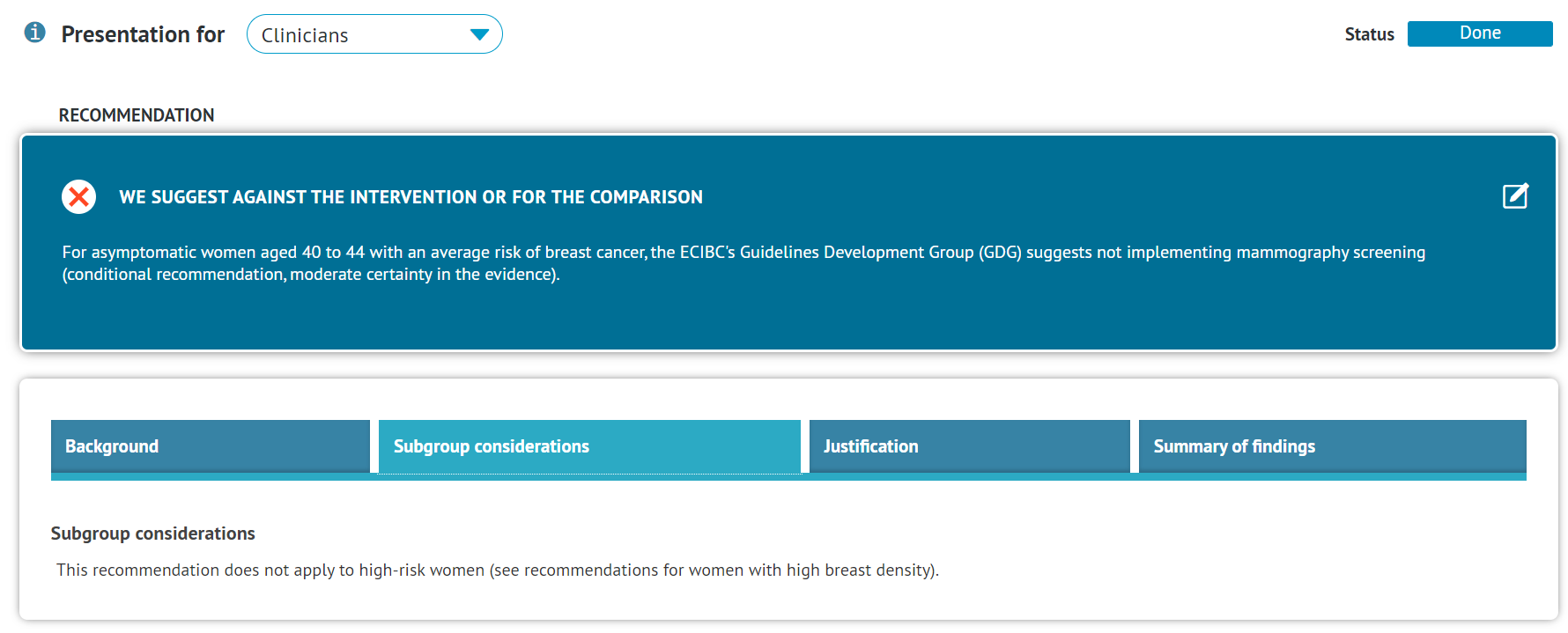
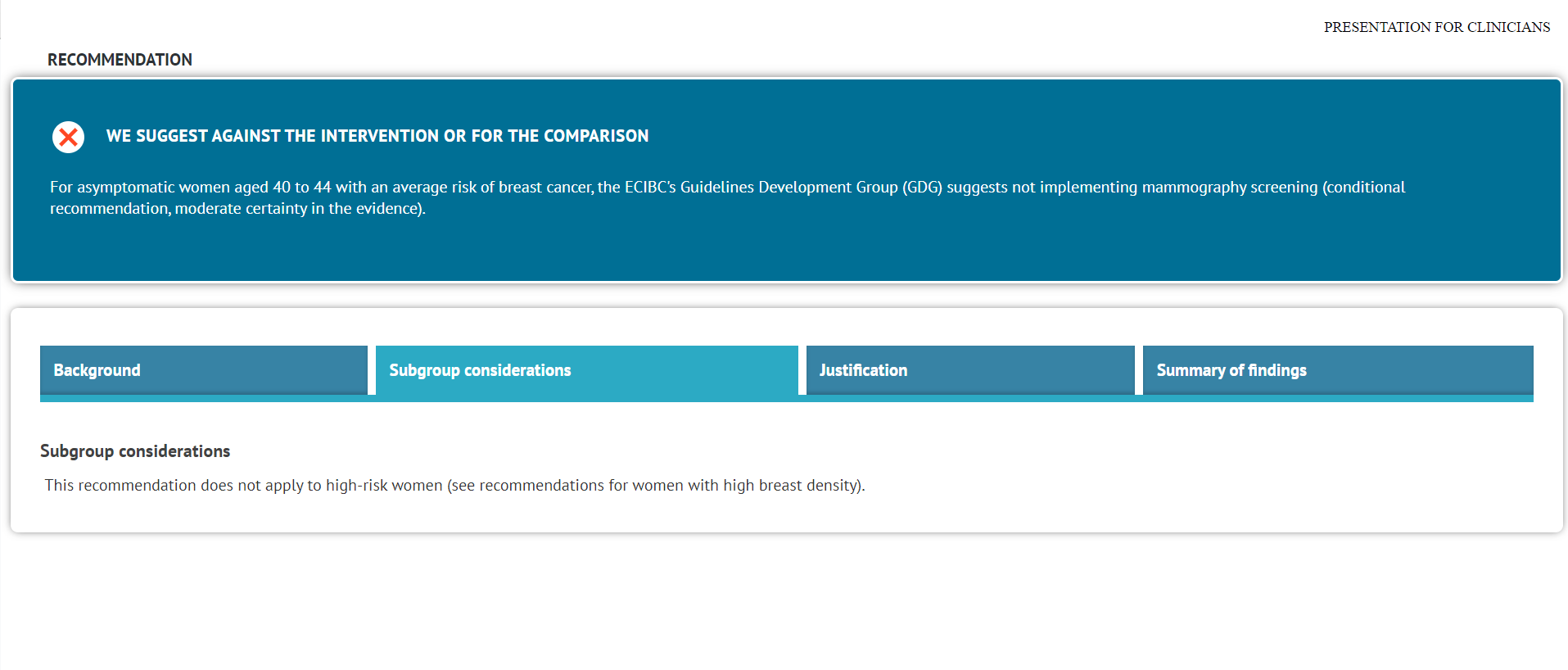
The Clinicians presentation is designed to deliver the recommendation to healthcare practitioners and caregivers.
The main focus is on the recommendation itself, its background and justification, as well as the subgroup considerations which may apply to patients.
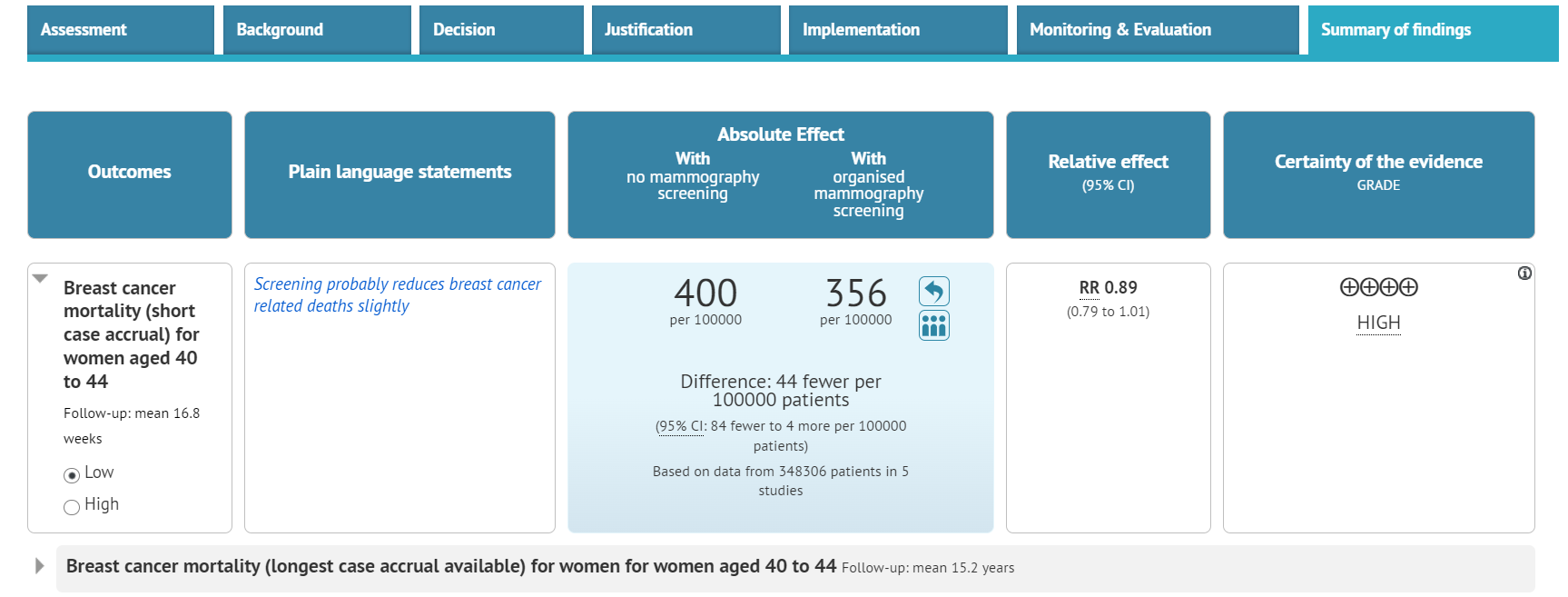
The evidence is presented as an interactive Summary of Findings table.
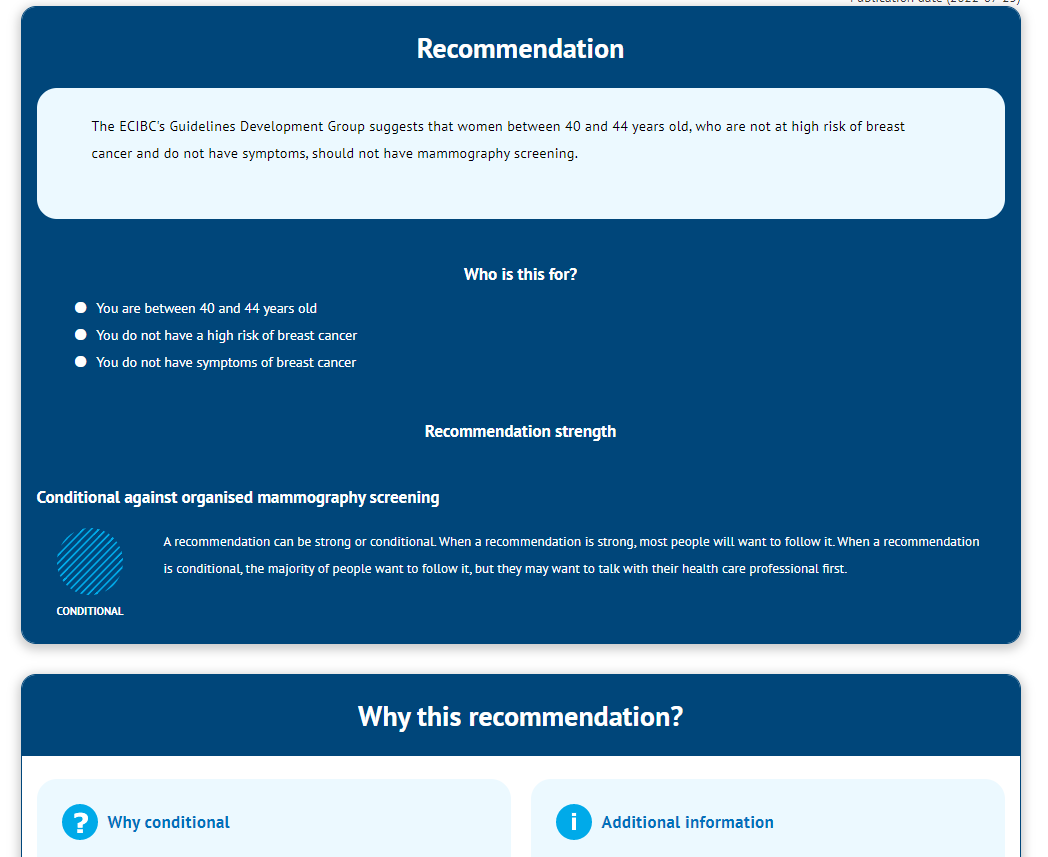
2.3 Patients (Plain Language Recommendation)
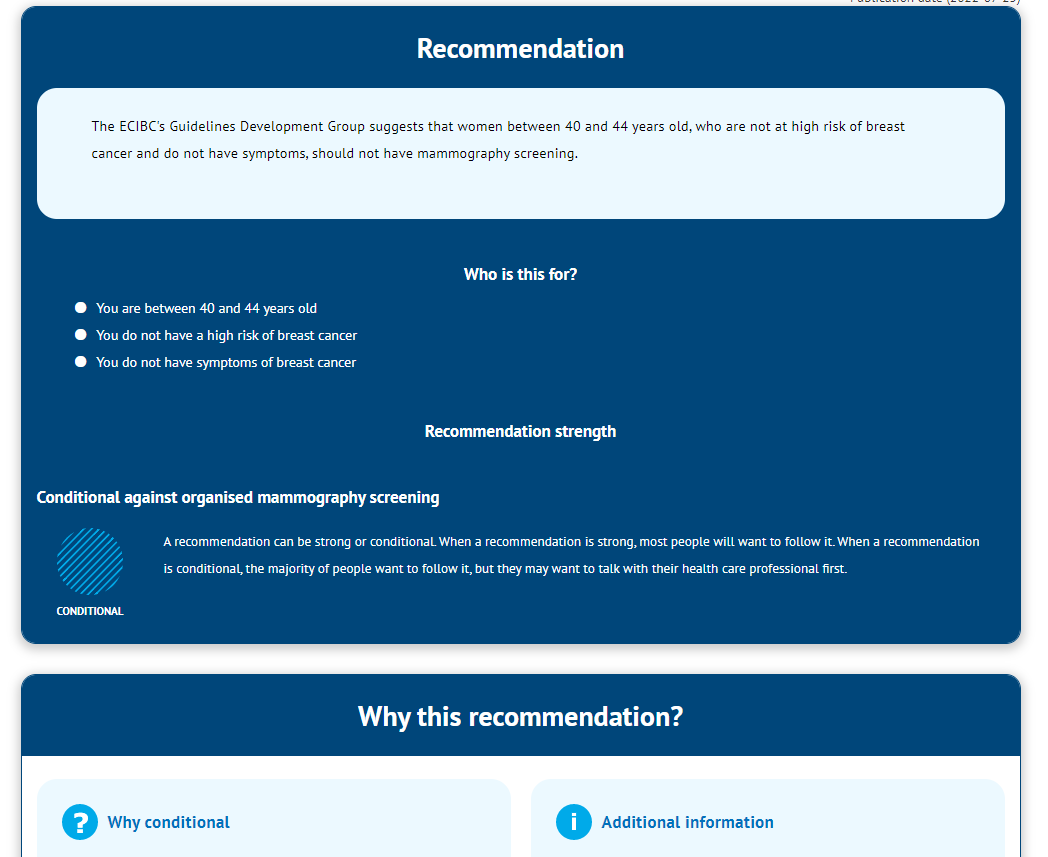
Presentation for patients is described in simple words so that any patient can understand the logic behind the recommendation.
For this reason, this recommendation template needs to be completed manually, as the scientific wording of the recommendation and its rationale has to be rephrased in plain language.
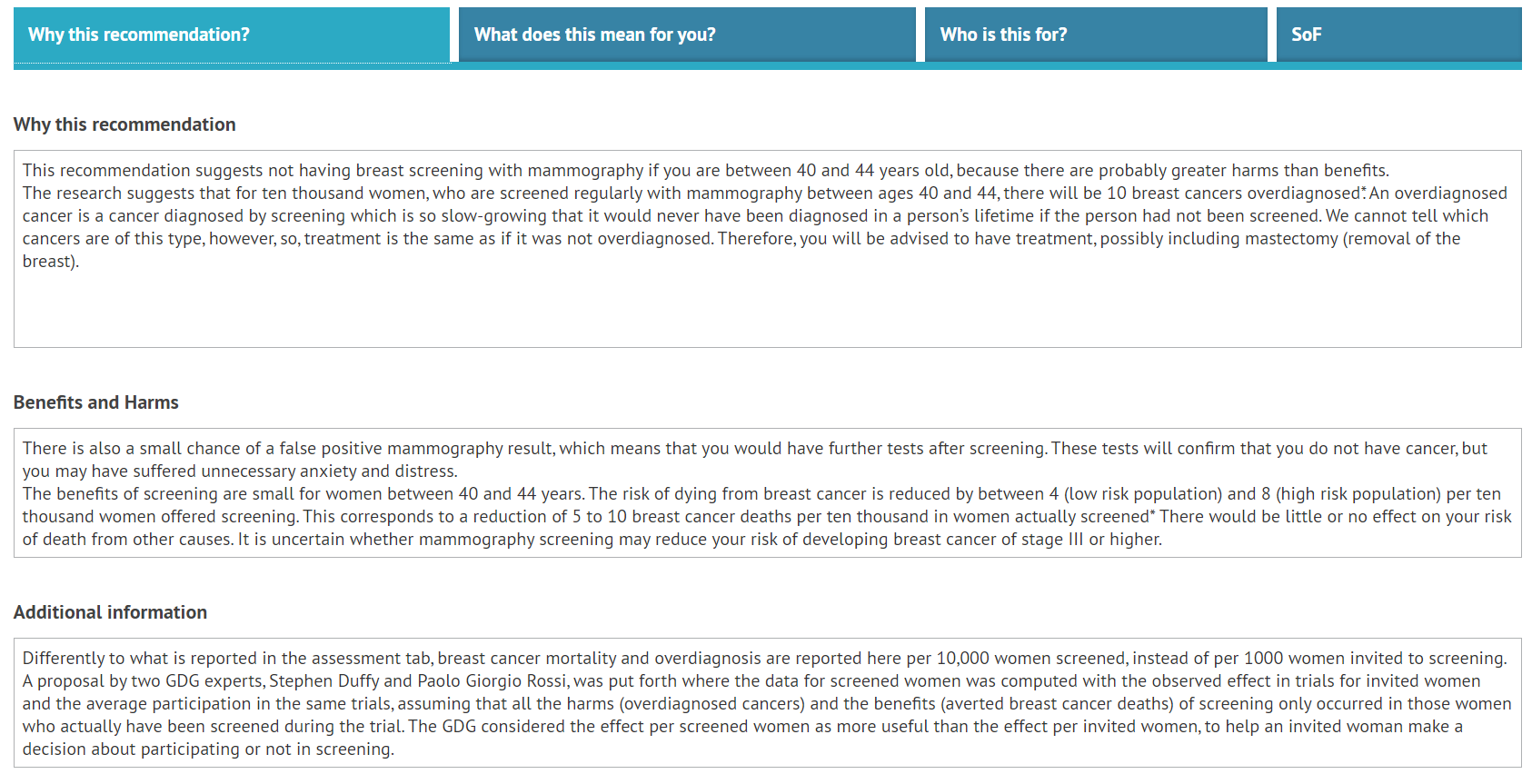
The background for the recommendation, its benefits and harms, and additional information can be provided in the Why this recommendation? section.
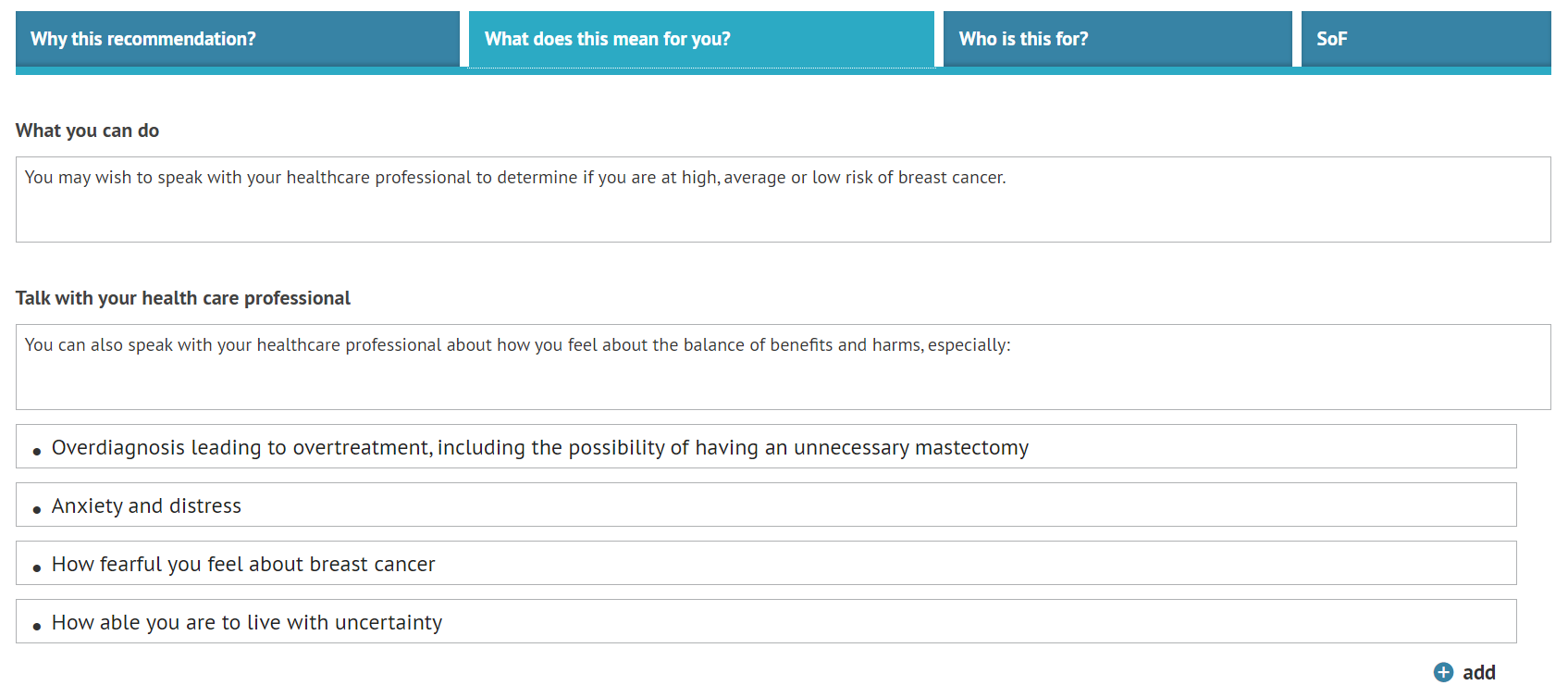
The implications of following the recommendation and potential issues to discuss with a health care professional can be listed in the What does this mean for you? section.
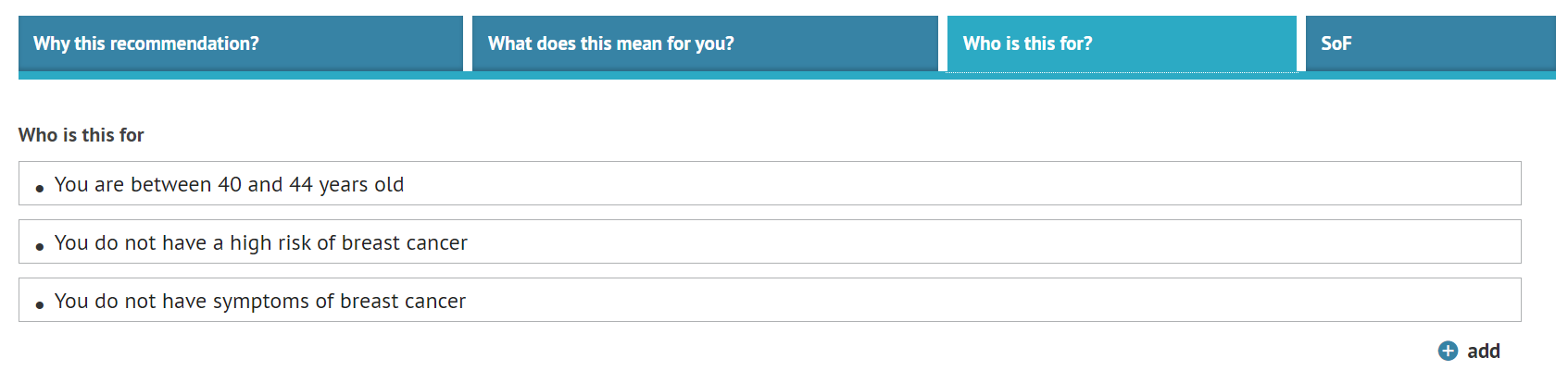
Finally, Who is this for? section allows for describing the potential recipients of the recommendation for the patient to check if they should follow it.
Note: Patient Presenation can be used to present evidence in Plain Language format.3. Exporting presentations
The presentations can be exported with the icon on the top right corner
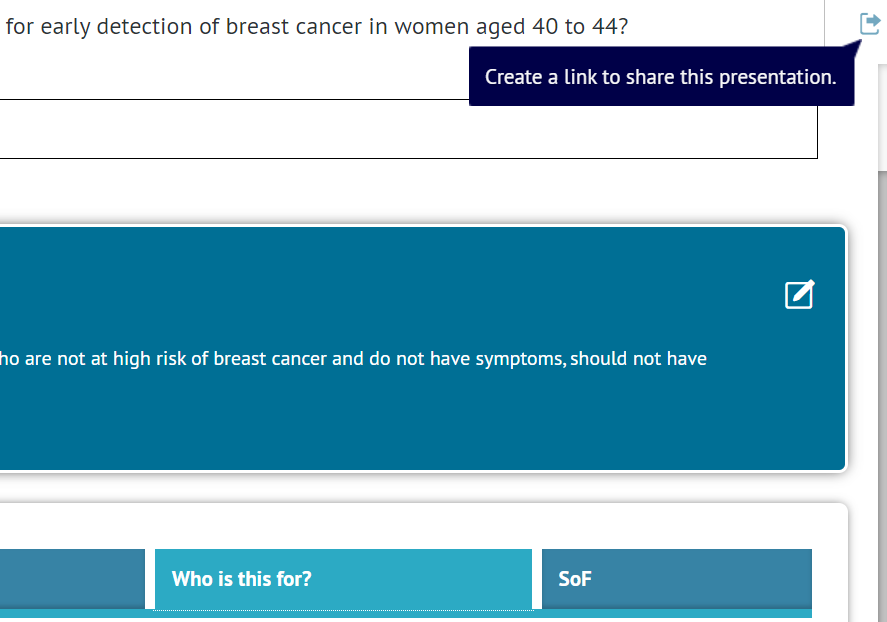
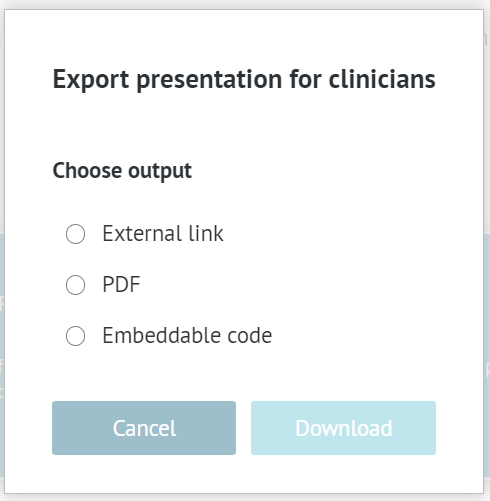
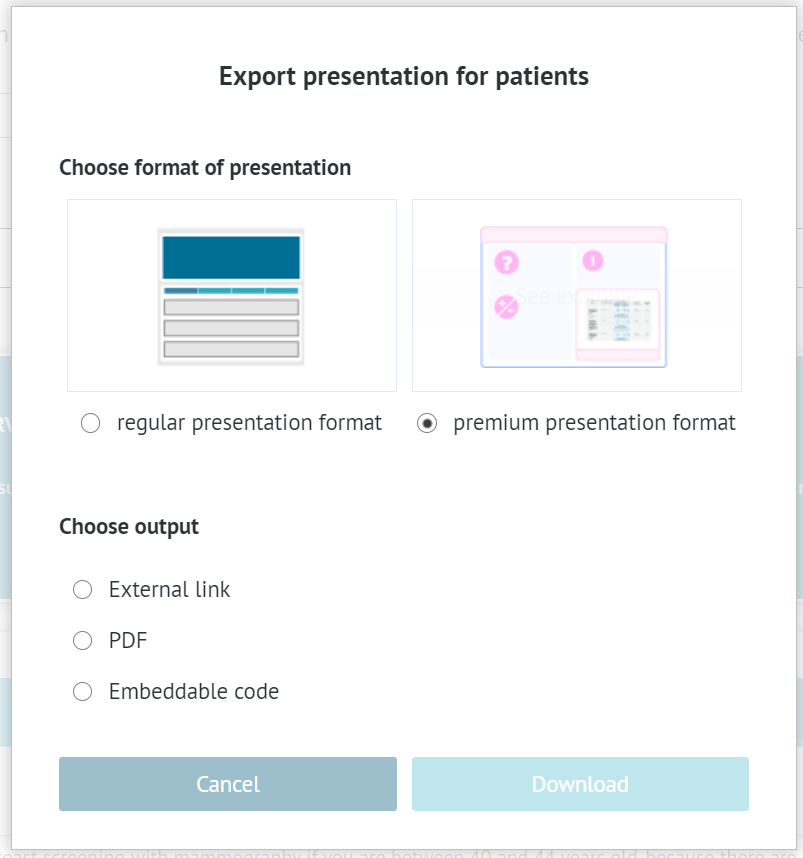
The presentations can be downloaded in three ways:
- as an external link that can be shared and accessed by anyone or pasted into a document
- a PDF file
- an embeddable code that can be used to plant the presentation into an existing web page
An exported presentation looks like the one you see in GRADEpro, except it cannot be edited.
Additionally, patient presentations can be downloaded in the premium format, available for the Team and Enterprise subscriptions. The evidence in this format is presented in a visually appealing way.
RELATED ARTICLES
Was this article helpful?
That’s Great!
Thank you for your feedback
Sorry! We couldn't be helpful
Thank you for your feedback
Feedback sent
We appreciate your effort and will try to fix the article