TABLE OF CONTENTS

1. Log in to GRADEpro
To log in to your GRADEpro account, you must go to the login site. You can do this with the log in and Get started buttons presented on our main site, gradepro.org

Or go straight to the GRADEpro application at https://gdt.gradepro.org/app/ - if you used GRADEpro before on that particular device, this link will be available even when you are offline.
If what you see is Create an account window:
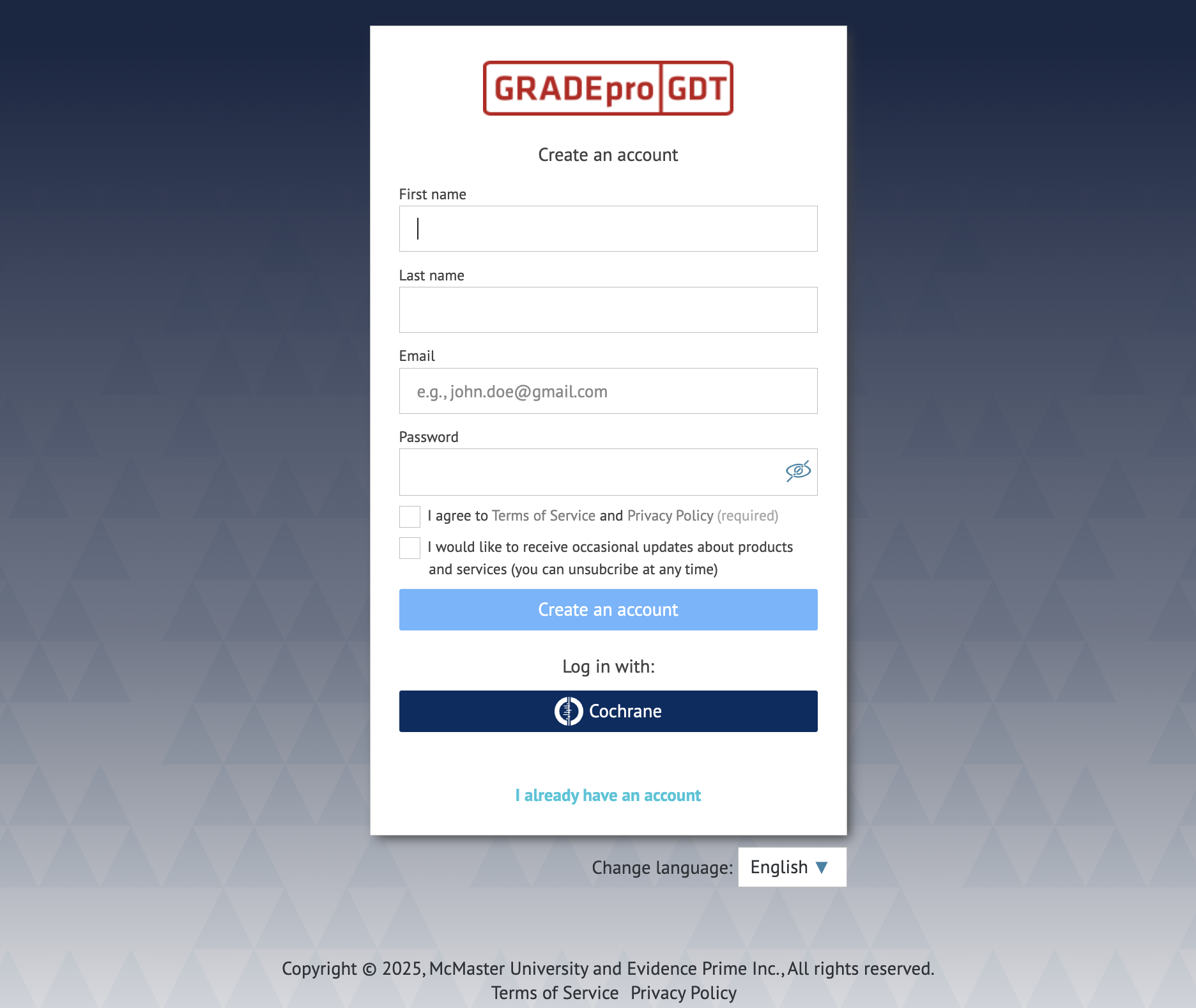
please choose the I already have an account option.
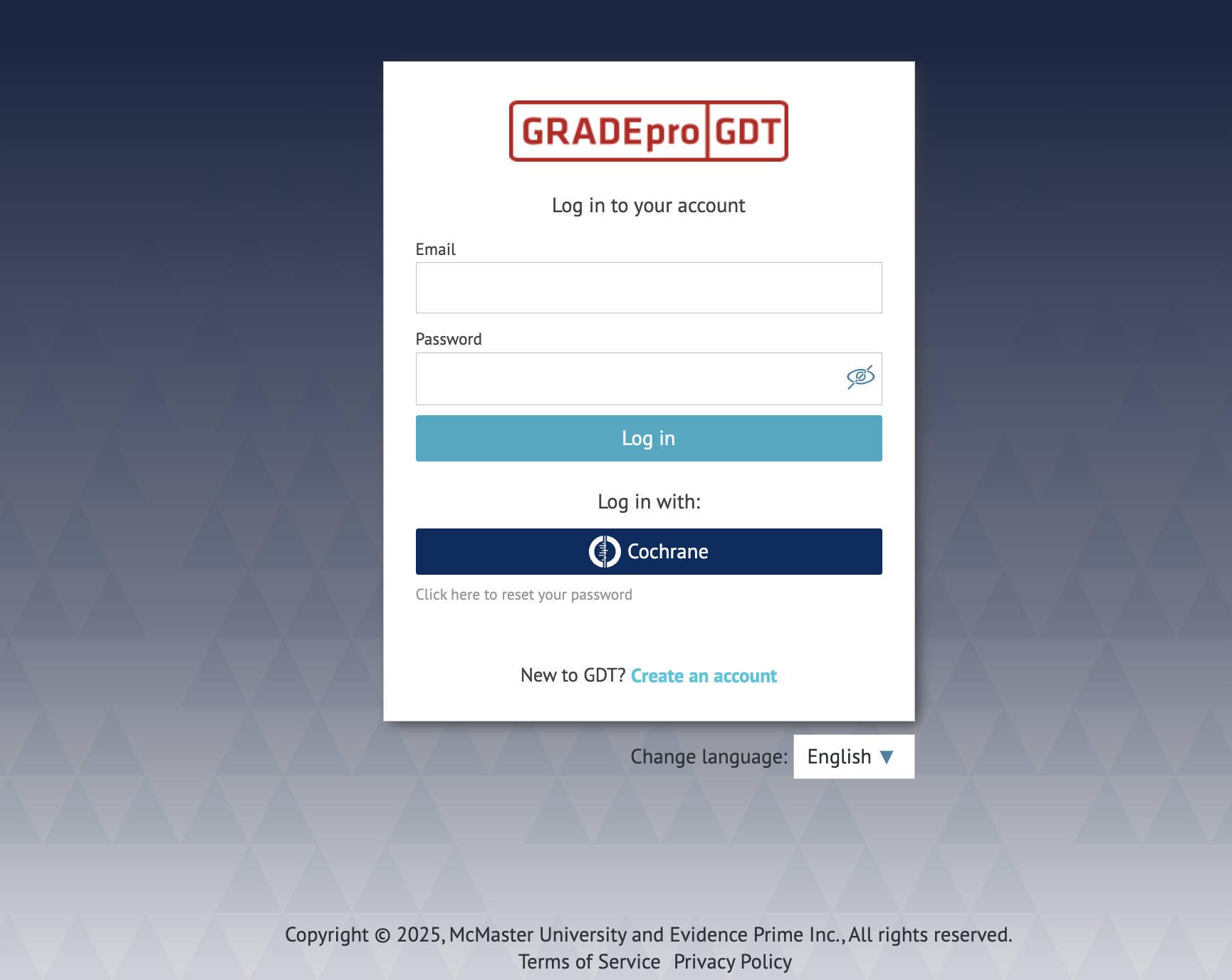
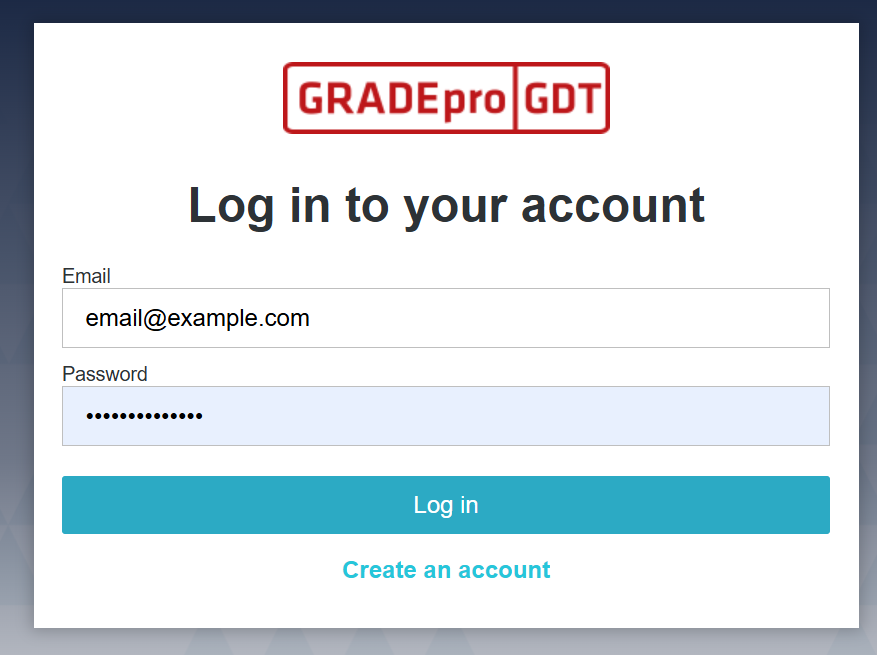
You will see the log in window:
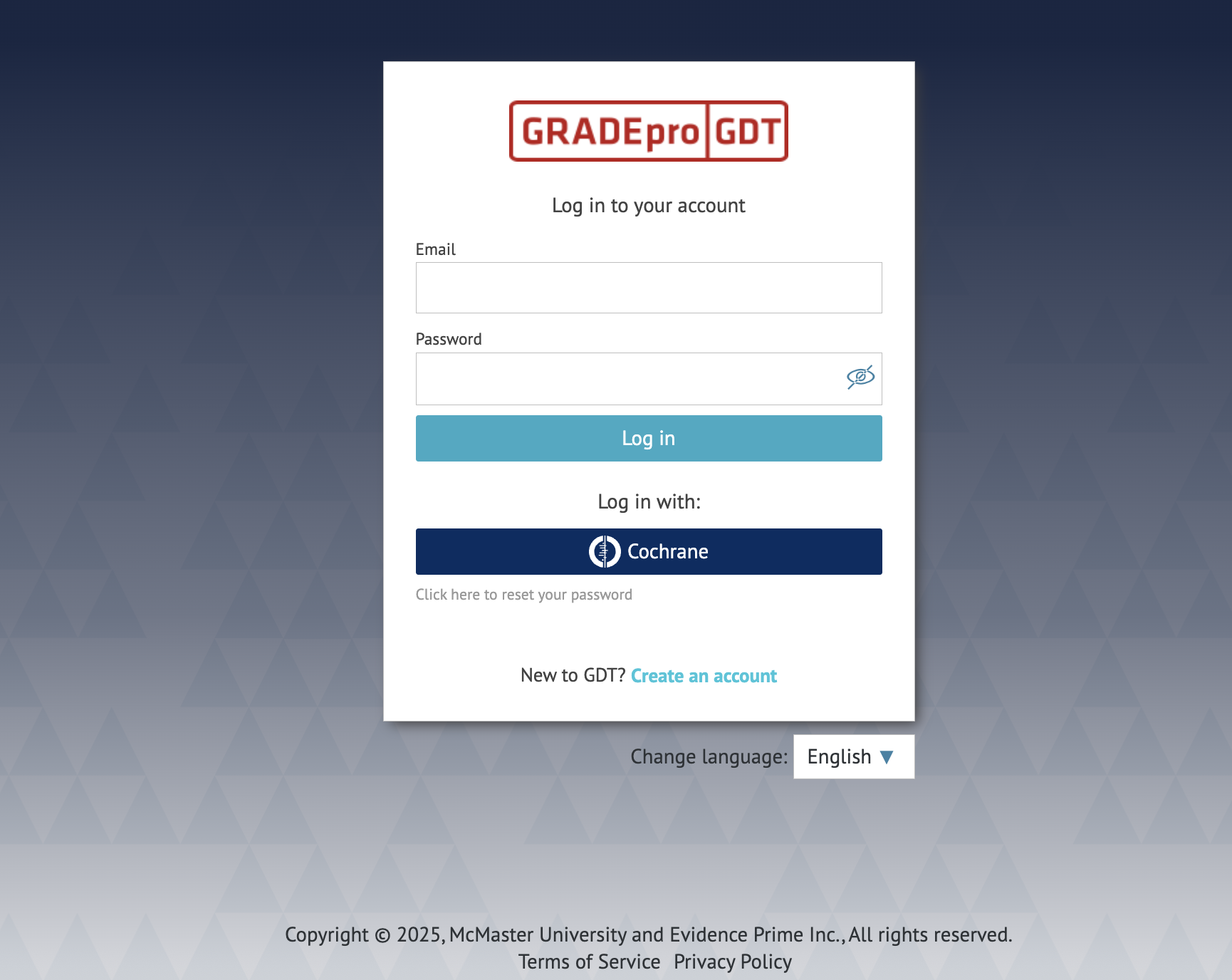
To log in with your GRADEpro account, you must enter your email address and password.
You can log in using your Cochrane account as well.
Tip: If you come across any issues during logging in, you can check for solutions in our troubleshooting article.
2. Logging in with Cochrane account
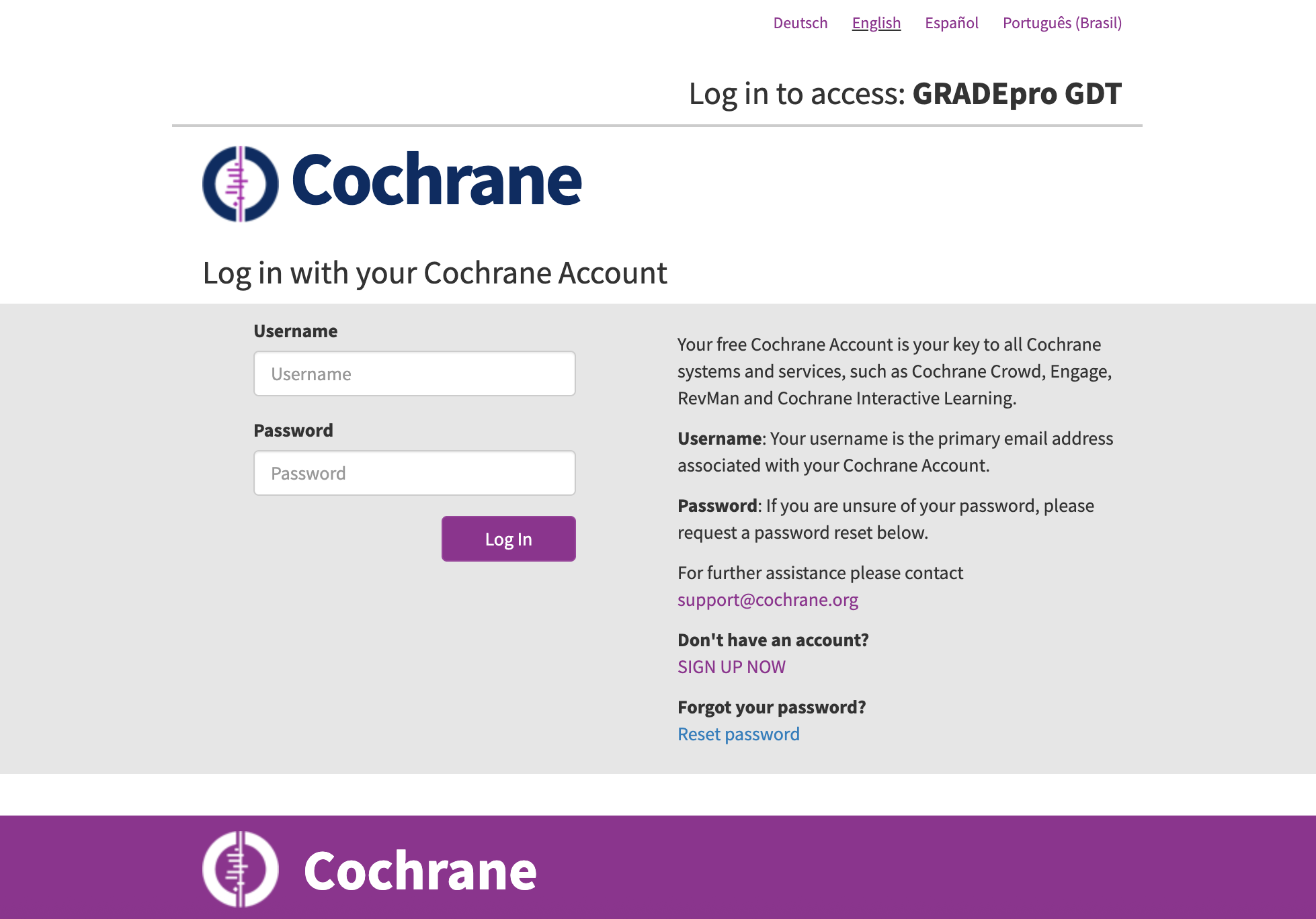
 You will be moved to the Cochrane website and asked to log in:
If it’s the first time you try to log in with Cochrane, you will see the below window:

You can either create a GRADEpro account if you don't have one, or log in with a (different) GRADEpro account if you have one already, thus connecting GRADEpro and Cochrane accounts.
If you log in with Cochrane but haven’t created a GRADEpro account before, you will have to create one (you can read more about it in another article).
Other than the above exceptions, you will go straight to your GRADEpro account home screen.
RELATED ARTICLES
Was this article helpful?
That’s Great!
Thank you for your feedback
Sorry! We couldn't be helpful
Thank you for your feedback
Feedback sent
We appreciate your effort and will try to fix the article