TABLE OF CONTENTS
- You are at signup screen
- You don't have an account yet
- There may be a typo in your password
- The loading screen wheel keeps spinning
- Connection to the central server couldn't be established

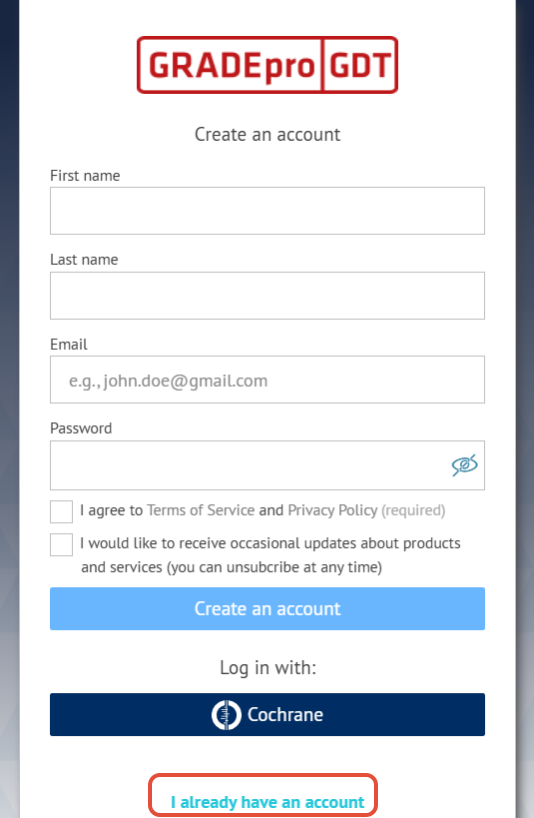
You are at signup screen
If you are viewing the signup (registration/account creation) screen instead of the login screen, you won't be able to log in. To move to the login screen, you need to use the "I already have an account" option.
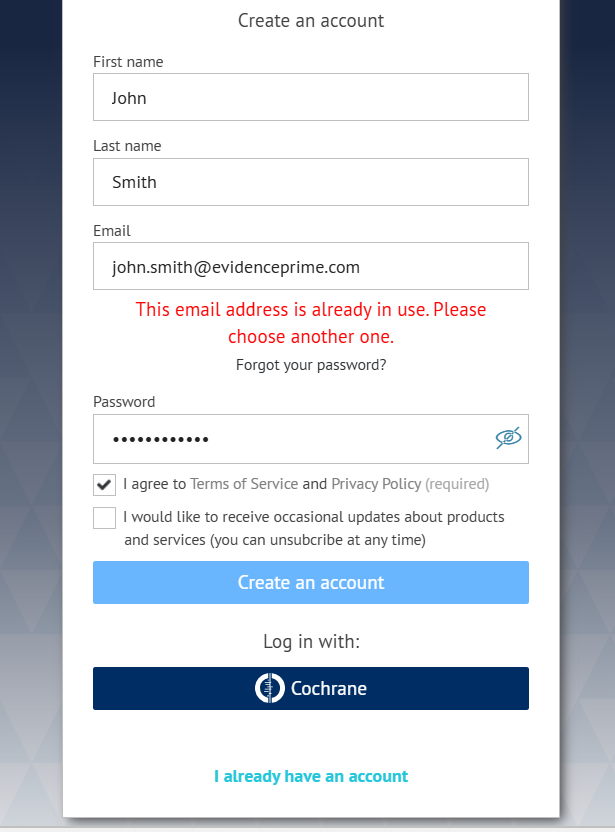
The account is already in use
If you see the "Account already in use" message this also means that you are trying to register instead of logging in. Please move to the login screen by using the "I already have an account" option. If you cannot remember your password, you can use the "Forgot password" option.
You don't have an account yet
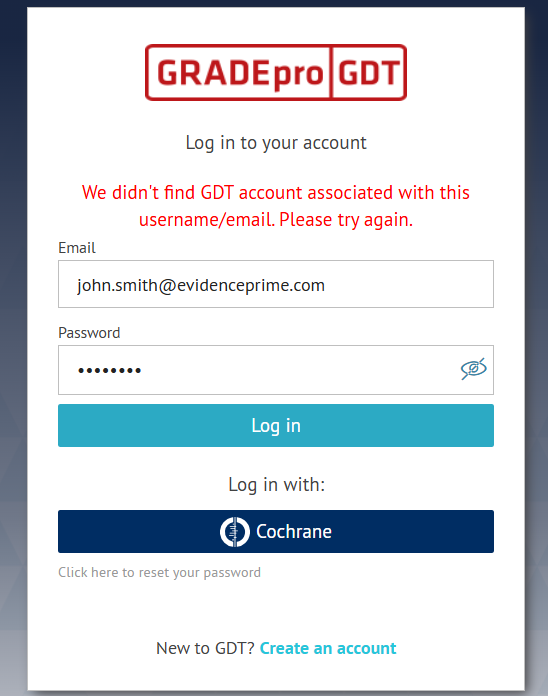
The "We didn't find GDT account" message means we don't have such a GRADEpro account in our database. It could be so for a number of reasons, described below.
You are using the wrong email address
You may be trying to log in using the wrong email address - perhaps there is a typo in your address, or you used a different email address when you originally created an account. Please check for typos or try different emails to log in.
You are logging in to a wrong server
Apart from the main public GRADEpro available at gdt.gradepro.org/app/, other GRADEpro servers are available for Enterprise clients. If you are a member of such a special GRADEpro server, you may be mistakenly trying to log in to the public version of GRADEpro instead of the dedicated one. Please check the web address to make sure which GRADEpro you are logging into.
You haven't created a GRADEpro account yet
If none of the above reasons apply to you, it is likely you don't have a GRADEpro account at all. In this case, please move to the signup screen by clicking on the "Create an account" option and register.
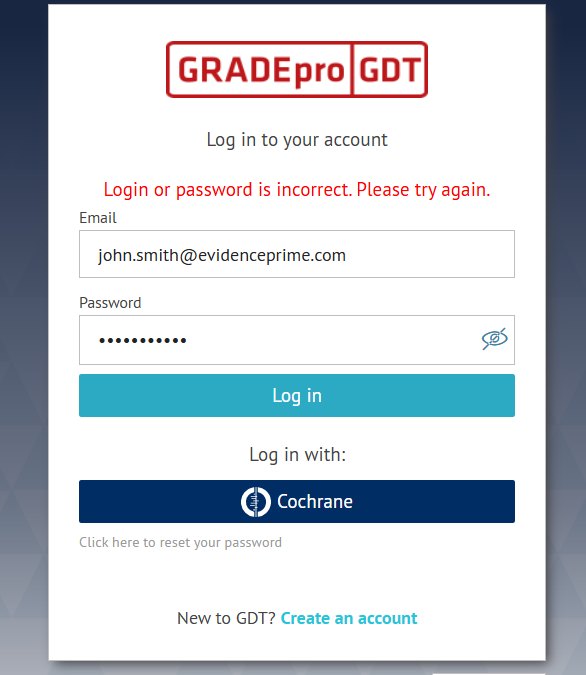
There may be a typo in your password
If you see the "Login or password is incorrect" it most likely means there is a typo. Please type in your login details again carefully.
The loading screen wheel keeps spinning
If the login screen loading is stuck and doesn't load for a long time, please try accessing GRADEpro through incognito/private mode of your browser.
If this works, it means there is a cache issue. You can learn how to resolve it here.
Note: Private/incognito browser mode should only be used for troubleshooting. We don't recommend using it over longer periods of time.If the issue persists in incognito/private mode, please contact our Support Team at support@gradepro.org
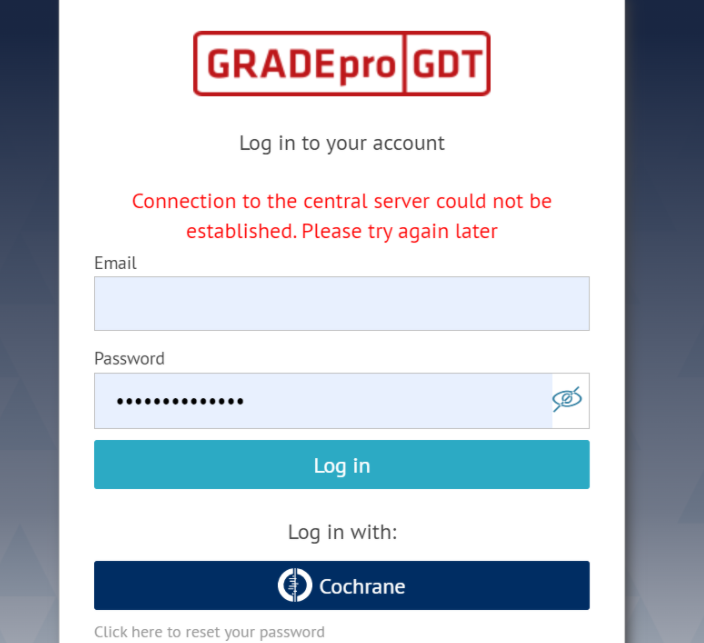
Connection to the central server couldn't be established
This message appears when there are connection issues. It could mean a temporary internet connection instability on your end. Please try logging in later. If the issue persists, please contact our Team at support@gradepro.org
RELATED ARTICLES
Was this article helpful?
That’s Great!
Thank you for your feedback
Sorry! We couldn't be helpful
Thank you for your feedback
Feedback sent
We appreciate your effort and will try to fix the article