TABLE OF CONTENTS

Whether you forgot your password or want to change it for security reasons, here you can check how.
1. Changing password
The option to change your password is available on our log in page at gdt.gradepro.org/app/. (If you are using a dedicated enterprise server, please log in using the dedicated address)
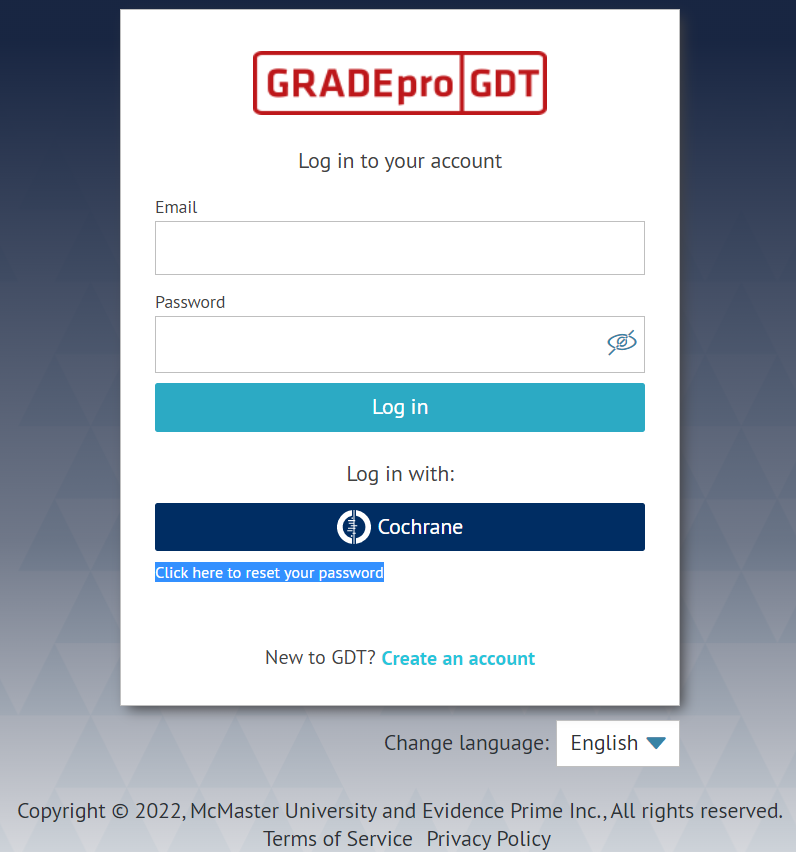
Once you click on it, you will see a new window:
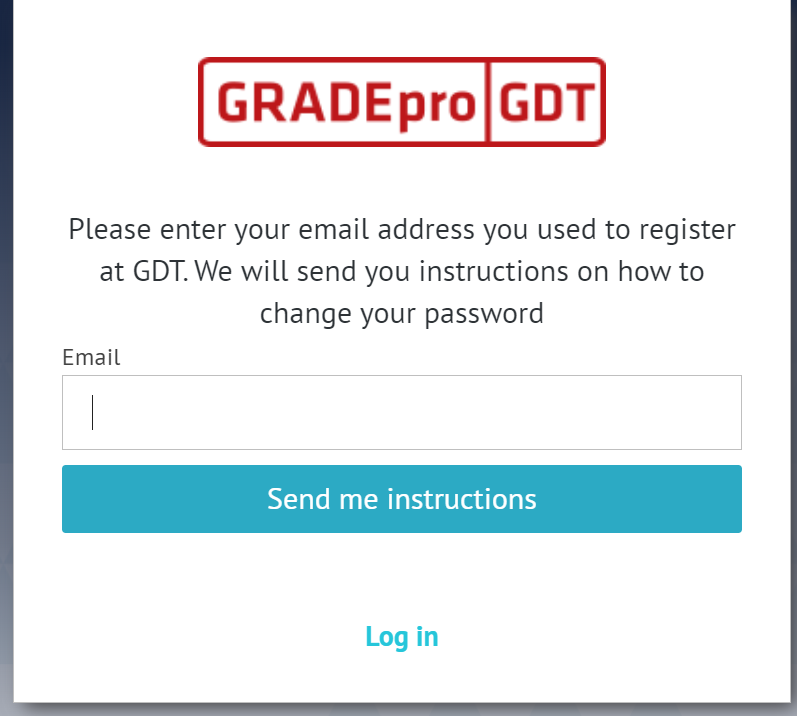
Please enter the email address with which you created your GRADEpro account and click the Send me instructions button. An email will be sent to your email address.
To change your password, please click on the link provided in the email. The link is active for only one week. After that time, you have to repeat the previous steps to receive another email with another link.
Once you click on the link, you will be redirected to a GRADEpro screen where you will be asked for a new password:
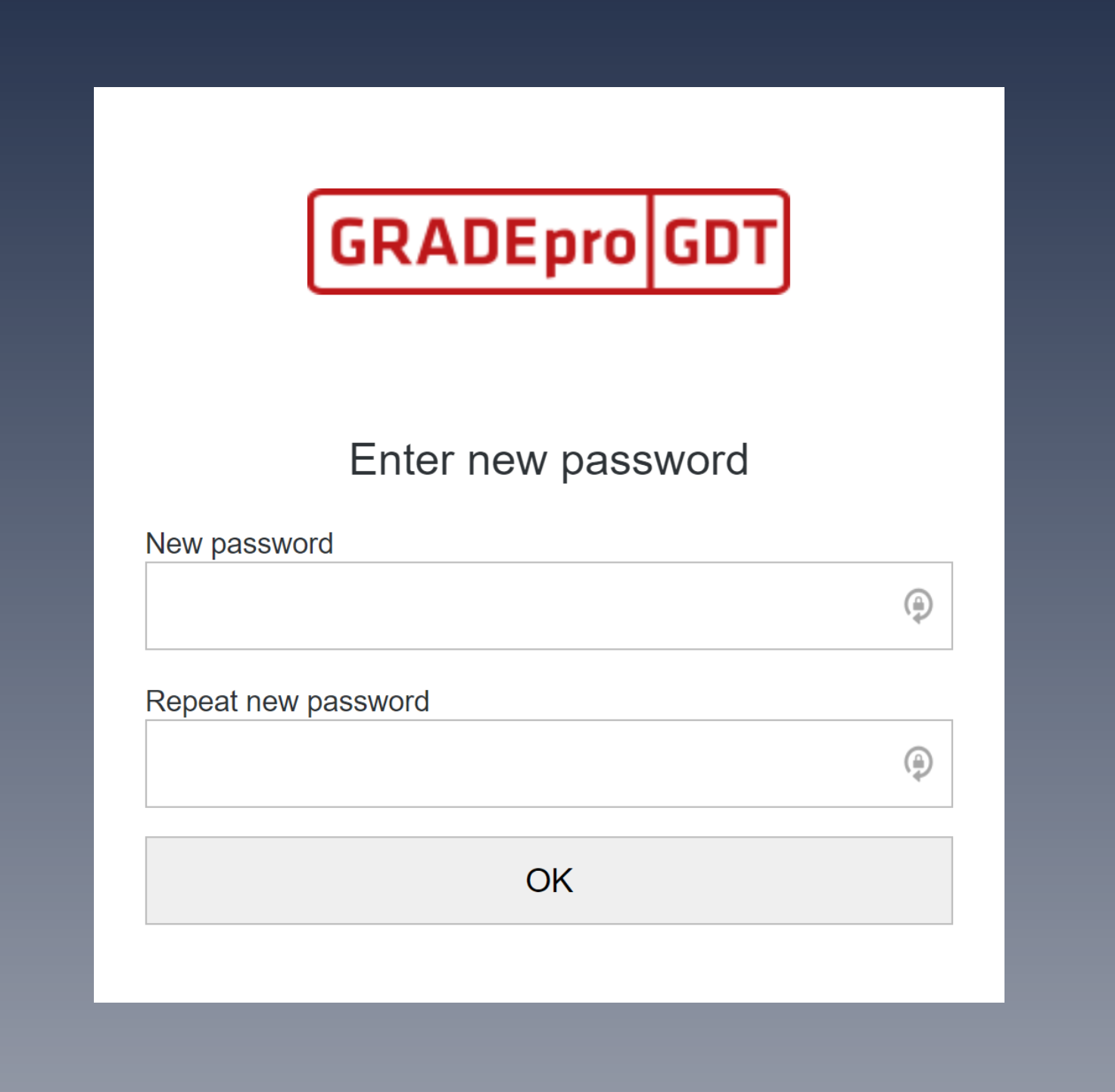
Once you enter the password and repeat it, please click on the OK button. You should see the below message:
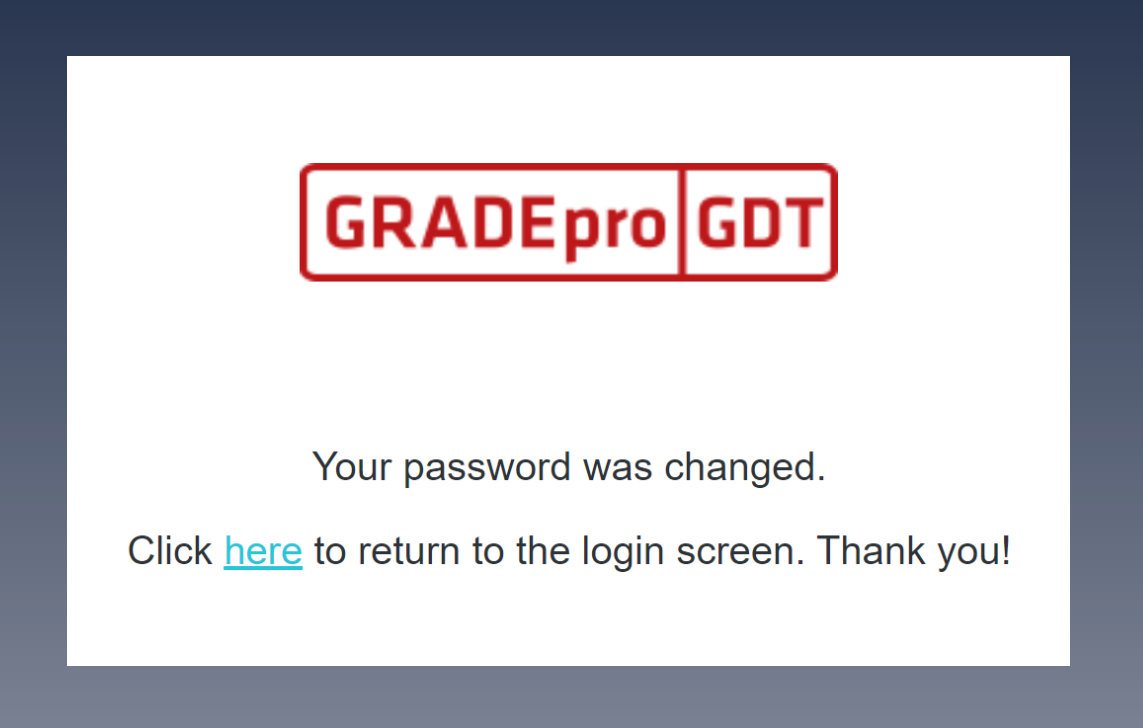
This means that the process was successful.
2. Tips
- To change password to your GRADEpro account you must go to the login site. You can do this with any of the log in buttons presented on our main site gradepro.org
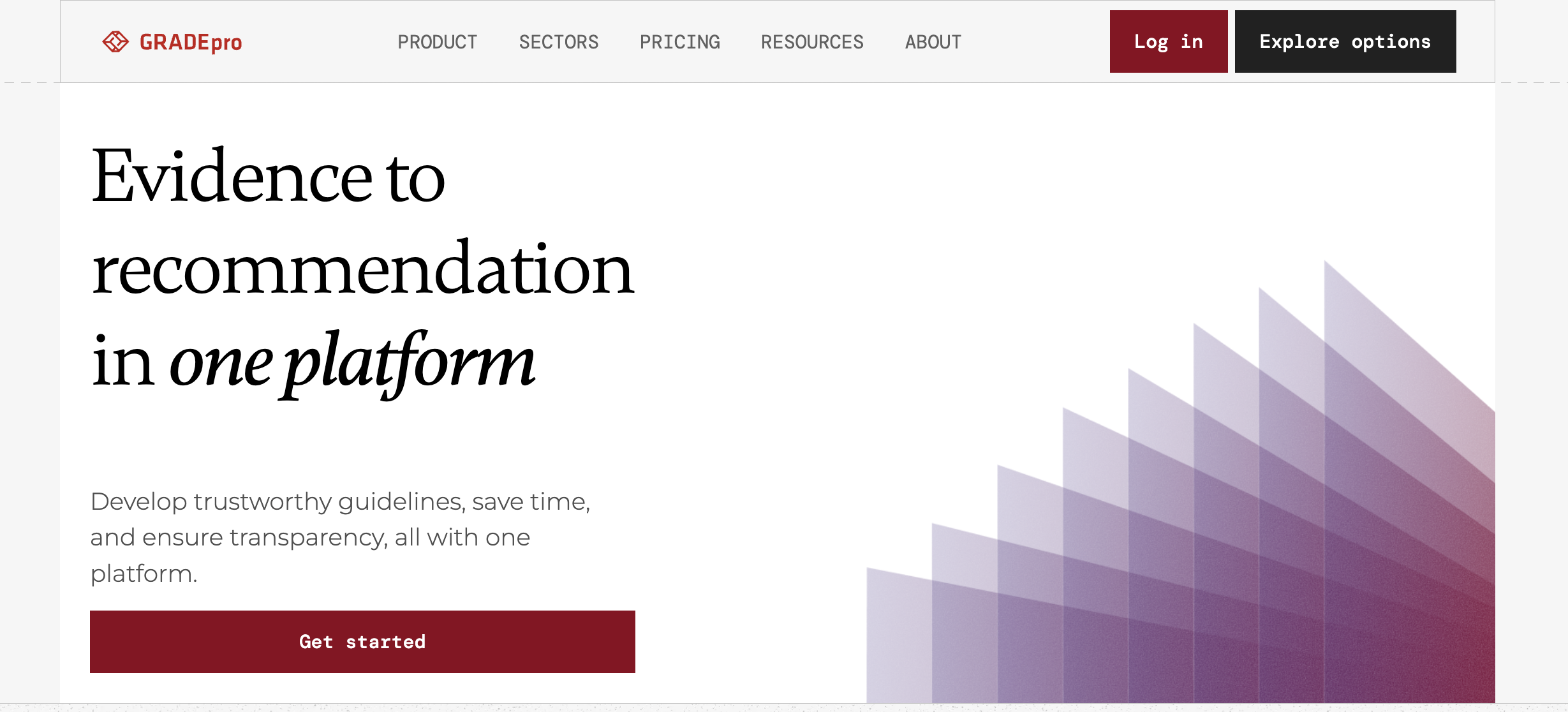
Or go straight to the GRADEpro application at https://gdt.gradepro.org/app/
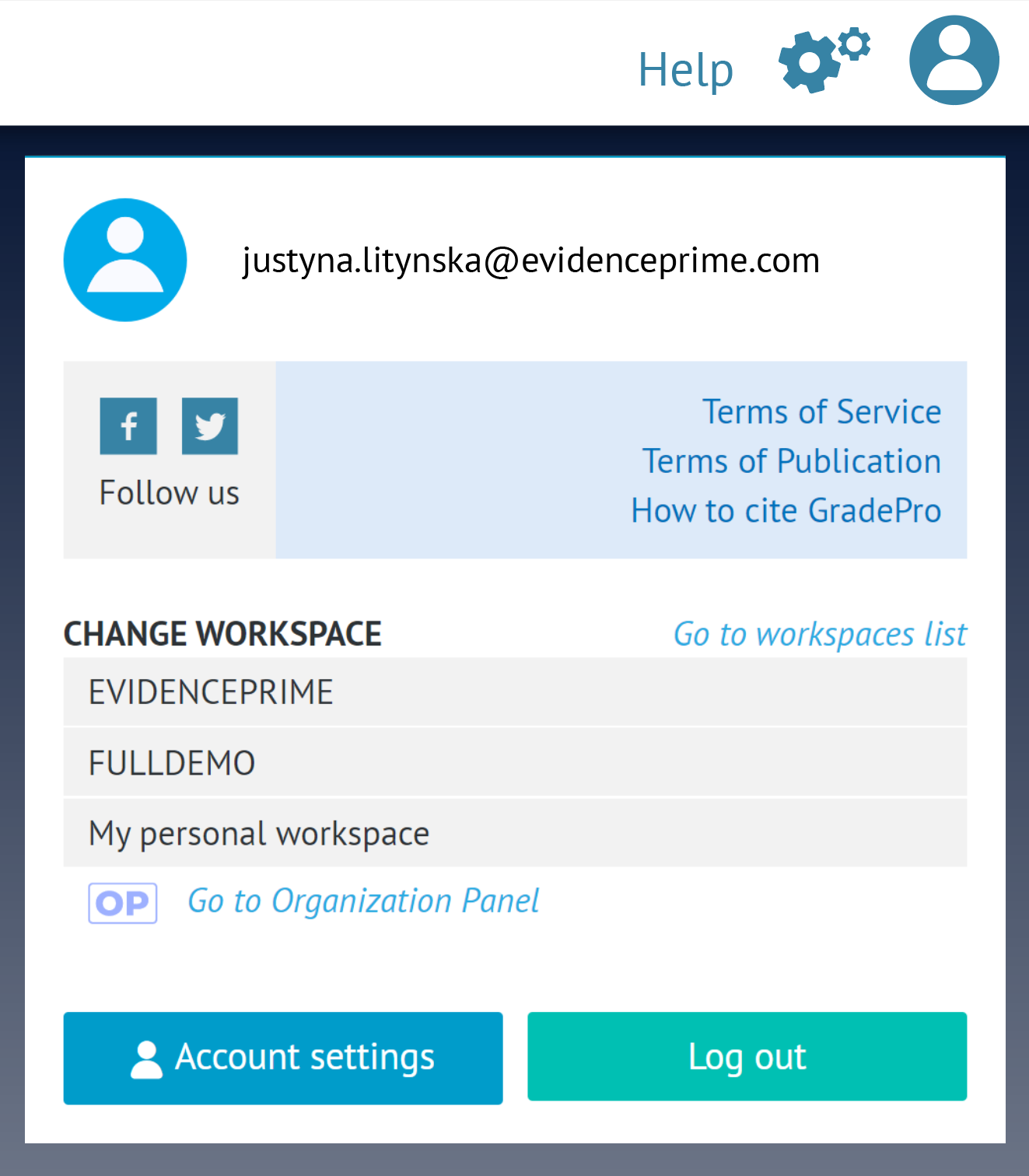
- If you are logged in, please log out. To do that, you have to open the user menu in the top right corner of the website and choose Log out:
- If upon entering our log in page what you see is Create an account window:
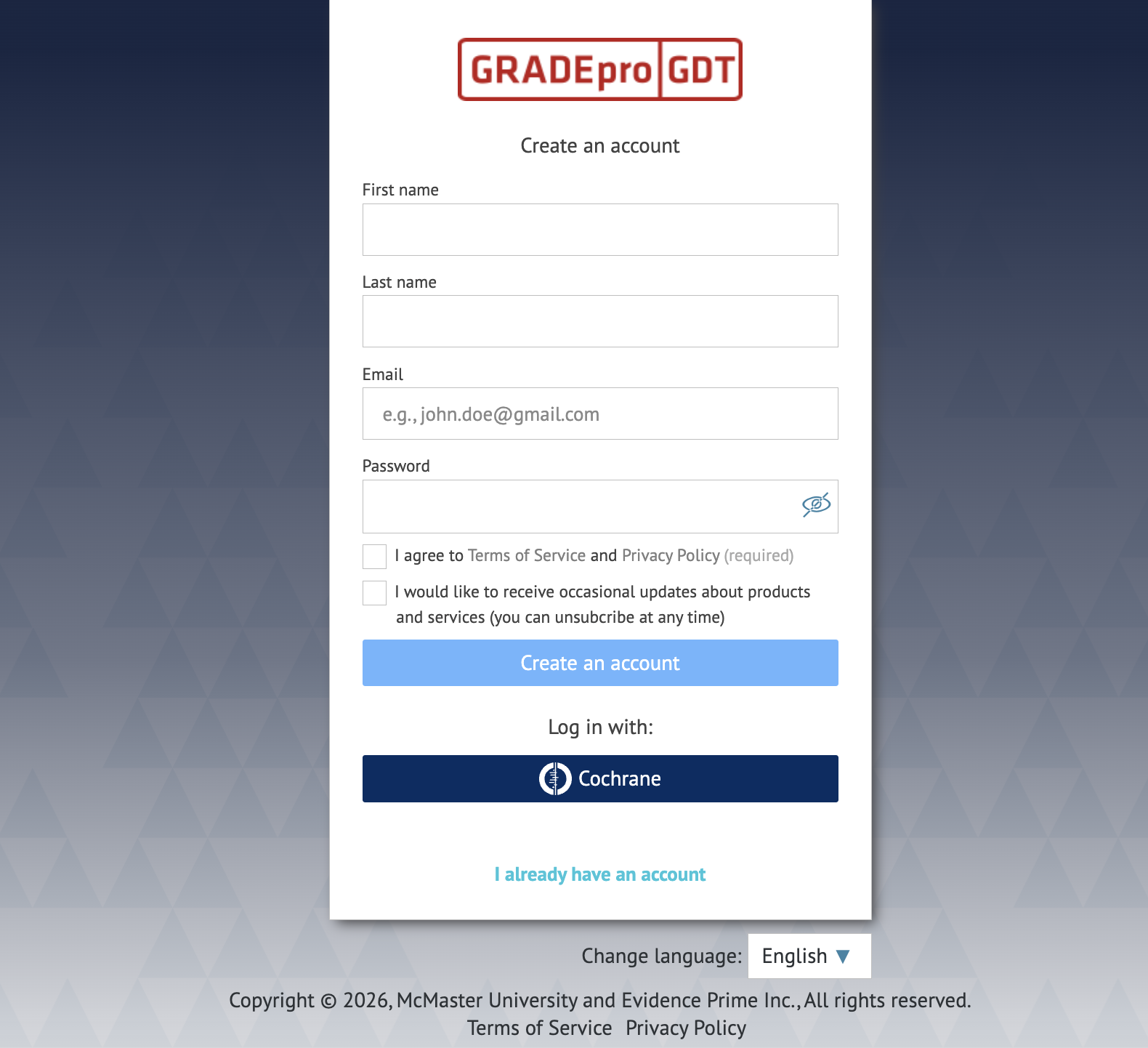
Please choose the 'I already have an account' option.
RELATED ARTICLES
Was this article helpful?
That’s Great!
Thank you for your feedback
Sorry! We couldn't be helpful
Thank you for your feedback
Feedback sent
We appreciate your effort and will try to fix the article