TABLE OF CONTENTS

1. Password link doesn't work
The password generation links are valid for one week only. So if you open the email after 7 days, you won't be able to use the link.
If you miss the link deadline (or if the link simply doesn't work), you can use the Reset password option available on the homepage. The homepage address is gdt.gradepro.org/app/ (unless you are a member of an Enterprise subscription with a dedicated GRADEpro instance and a custom GRADEpro address - in that case, please go to the relevant address).
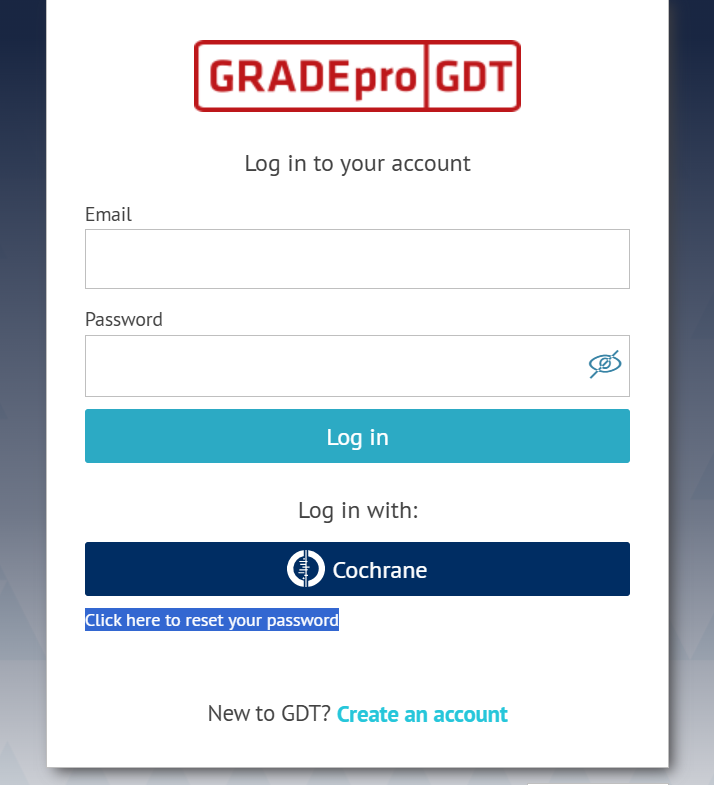
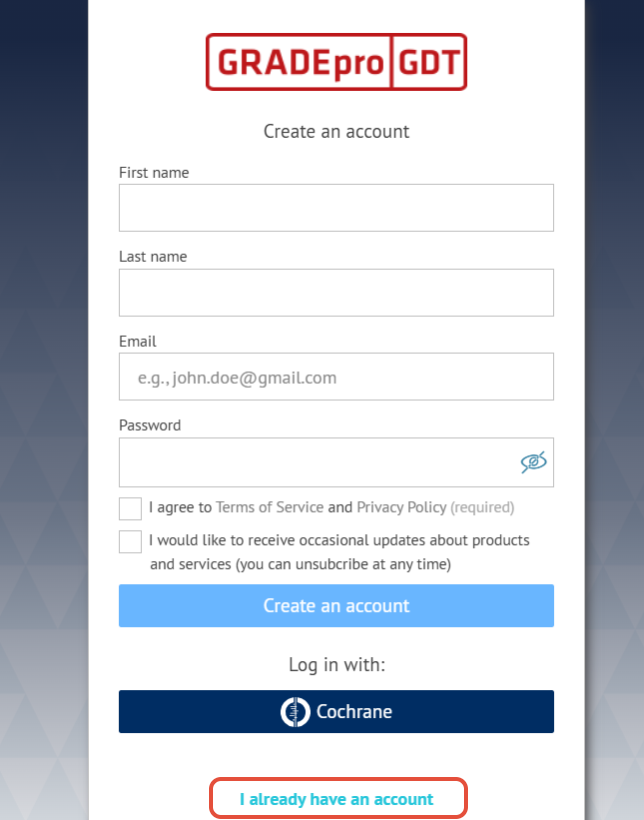
If you see the registration option instead, you can move to login screen by using the "I already have an account" option.
The password reset option will send you an email with a new password link. If you cannot find the email, please check in the SPAM folder. Also, you can search your mailbox for emails coming from no-reply@gradepro.org address.
2. Email confirmation link doesn't work
If the email address confirmation link is expired you can resend it by clicking on the notification at the top of your screen

RELATED ARTICLES
Was this article helpful?
That’s Great!
Thank you for your feedback
Sorry! We couldn't be helpful
Thank you for your feedback
Feedback sent
We appreciate your effort and will try to fix the article