TABLE OF CONTENTS
- 1. Introduction
- 2. You are in the Cochrane workspace
- 3. You are not an Admin of the organisation workspace

1. Introduction
If you cannot create a new project because the New Project button does not respond or prompts a pop-up window instead, it may be due to one of the below reasons.
2. You are in the Cochrane workspace

The Cochrane workspace of your account is meant solely for RevMan Web online integration. Therefore, you cannot create projects in that workspace directly in GRADEpro. You should access it through RevMan Web instead.
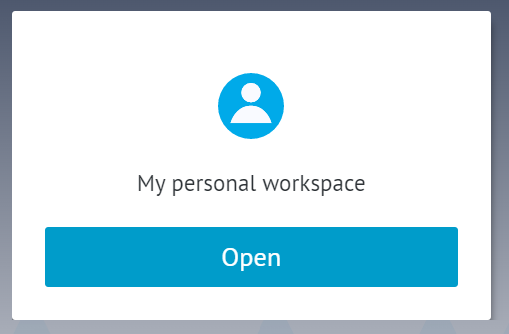
If you want to create projects and tables directly in GRADEpro, you should use the personal workspace. To go to the personal workspace, you should either:
- Choose the personal workspace panel when you log in.
- Open the user menu in the top right corner and select the personal workspace from the list.
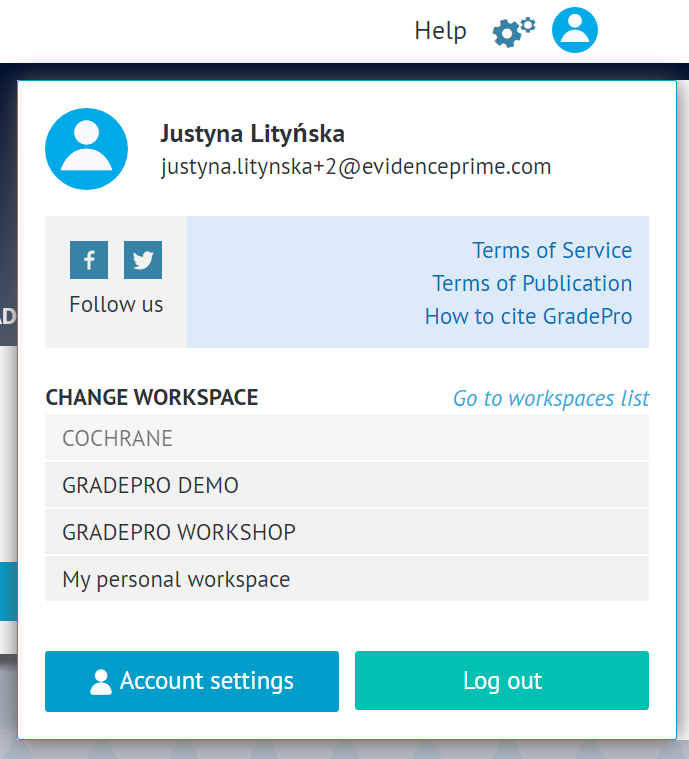
There you will be able to create new projects freely.
3. You are not an Admin of the organisation workspace
If you are a member of a team that purchased a Team or Enterprise subscription, then you are using a special organisation workspace, which is a separate compartment of GRADEpro created for your project.
To create a new project in that workspace, you need to be an organisation Admin (not to be confused with a project Admin).
In the case of Team licenses, the organisation Admin access is restricted to the GRADEpro support team. If you want to create a project, you need to contact us at support@evidenceprime.com
In the case of Enterprise licenses, the organisation Admins are chosen by the project team. If you cannot create a project, please contact your project coordinator to either give you Admin rights or create a project for you.
RELATED ARTICLES
Was this article helpful?
That’s Great!
Thank you for your feedback
Sorry! We couldn't be helpful
Thank you for your feedback
Feedback sent
We appreciate your effort and will try to fix the article